
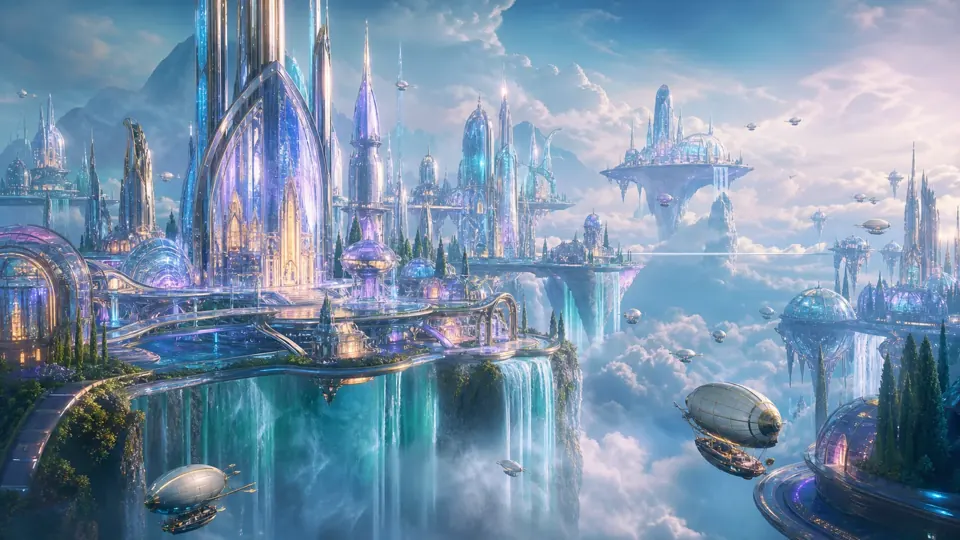
Your next idea, made visual.
GPT Image 2.5 AI Image Generator
Turn a brief into an image. Explore product photography, build visual concepts, and reimagine your own photos with GPT Image 2.5 on Nano AI.
Visual inspiration · GPT Image 2 gallery
Start with a text prompt
Bring a reference image
Choose your aspect ratio
A LITTLE INSPIRATION
One idea. So many directions.
Start with a creative direction, then make it your own. These GPT Image 2 examples pair a visual reference with its original prompt.
Visual inspiration · GPT Image 2 gallery
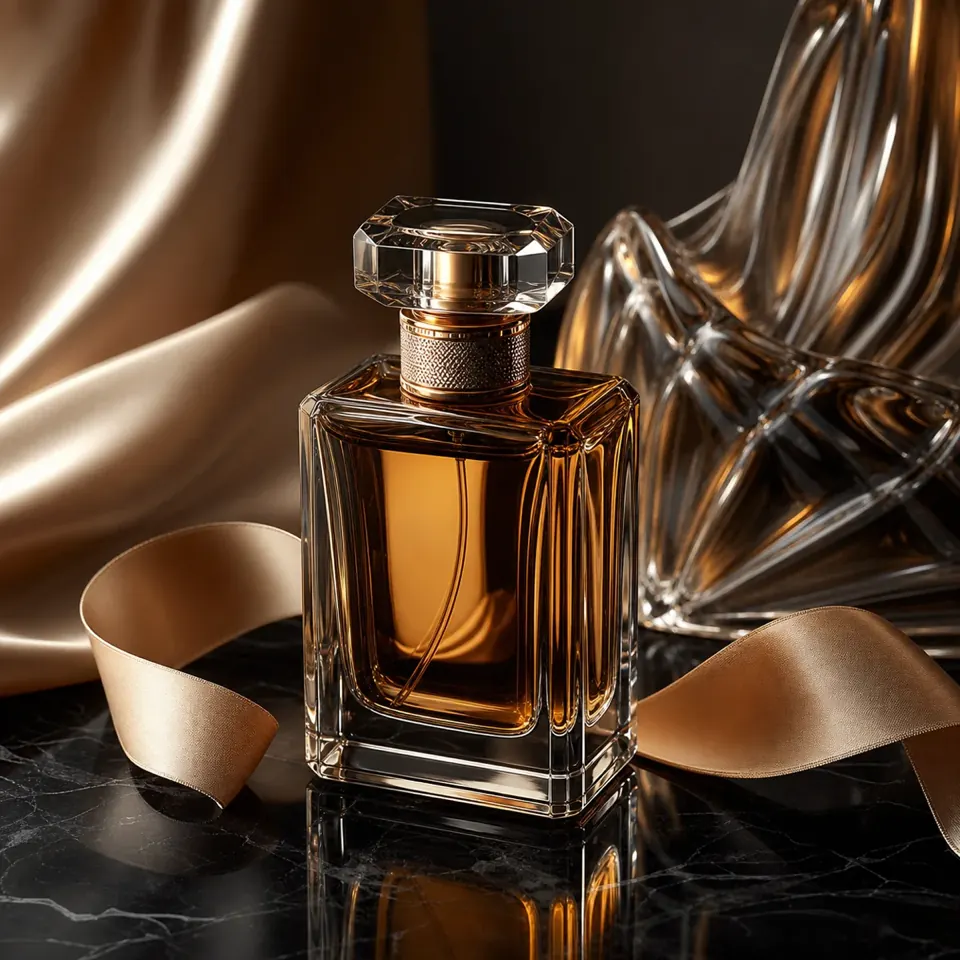
Product, in the spotlight
Explore studio lighting, tactile materials, and room for campaign copy.
View prompt
High-end product photograph of an unbranded perfume flacon on a dark obsidian surface, sculpted glass shapes behind it, warm cream-and-amber key light, silk ribbon detail, premium ad composition with clean negative space.
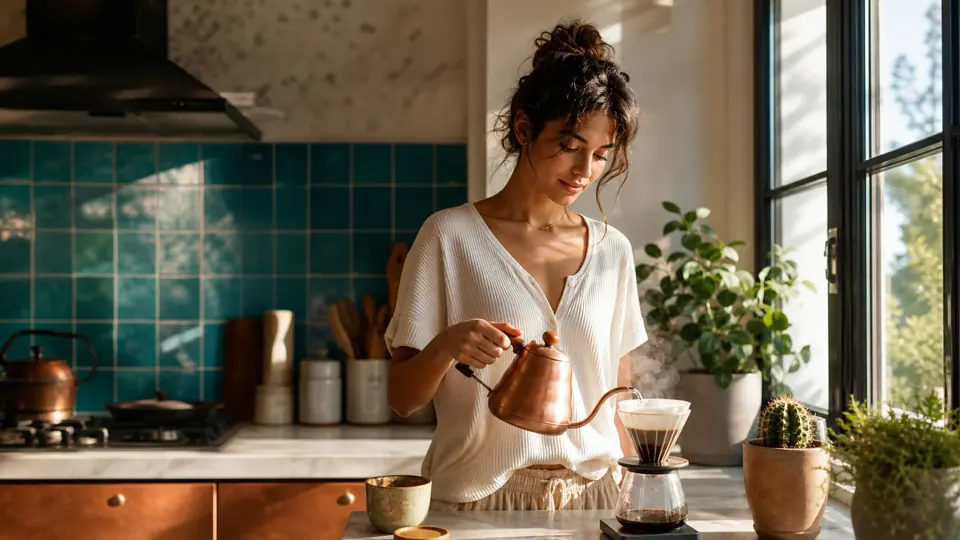
Everyday, reimagined
Set a mood with natural light, familiar objects, and carefully chosen details.
View prompt
Sunlit morning kitchen scene, ceramic coffee cup and steam rising on a wooden counter, soft window light with linen curtains, fresh citrus and pastry nearby, cozy lifestyle photography, warm natural color grade.
Worlds worth building
Develop architectural concepts with a clear viewpoint, atmosphere, and scale.
View prompt
Futuristic glass city skyline above a soft cloudline at dawn, reflective towers catching peach and silver light, wide architectural panorama, crisp atmospheric haze, premium concept-art realism.
- 01
Describe what matters
Name the subject, setting, lighting, and composition. For text in an image, quote the exact words and specify their placement.
- 02
Add context, keep control
Upload a reference for an edit or a visual starting point. Describe what should change and what should stay, then choose the image format.
- 03
Review, refine, download
Check the result at full size. Refine one detail at a time and review lettering, product details, and image rights before publishing.
GOOD TO KNOW
GPT Image 2.5, answered.
What is the GPT Image 2.5 AI Image Generator?
It is Nano AI's browser-based image workspace with the GPT Image 2.5 option selected. That name is currently a site model label routed through the existing GPT Image 2 service; this page does not establish a separate official OpenAI model release.
Can I generate images and edit existing photos?
Yes. Enter a text prompt to create an image, or upload a reference image and describe an edit. Keep the intended changes specific and inspect the result; exact preservation of every detail is not guaranteed.
Is GPT Image 2.5 free to use?
Generation uses Nano AI credits. The workspace shows the current cost before submission. See the pricing page for available plans and check your account for any available credits.
Are these images generated by a separate GPT Image 2.5 model?
The showcase uses existing GPT Image 2 gallery images and their prompts. They are creative references, not evidence of a separate GPT Image 2.5 model or a guarantee that repeating a prompt will produce the same image.
Can I use the results for client or commercial work?
Check Nano AI's current terms and the rights to your input images, logos, and depicted people. Review each output for accuracy and third-party rights before using it in a campaign or client delivery.
GPT Image 2.5