
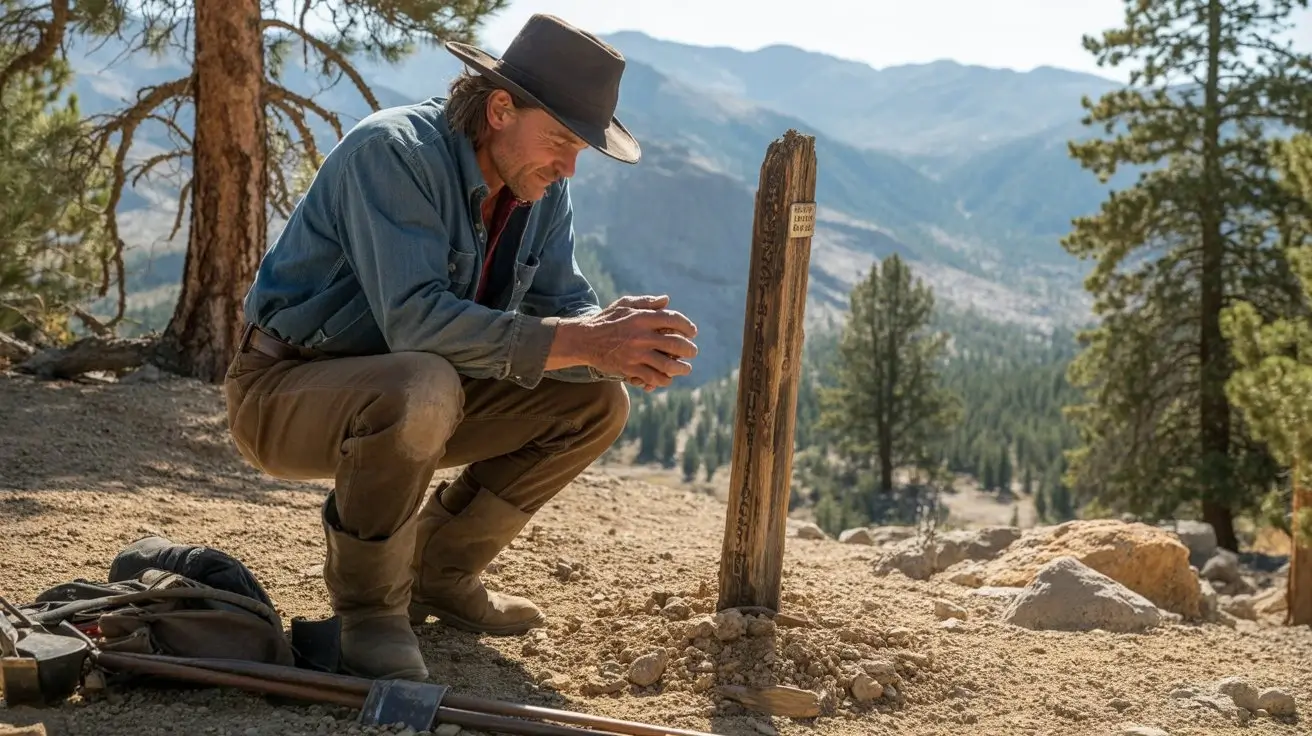
 16:9▶
16:9▶Cinematic scene
Neon city rain walk
Prompt: a lone character walking through a neon city at night, wet asphalt reflections, slow camera push, realistic rain, dramatic rim light.
Preview inspirations
Use these original concept cards as starting points for Grok Imagine Video 1.5 prompts. Each card pairs a visual direction with a prompt you can adapt in the generator below.
16:9▶Cinematic scene
Prompt: a lone character walking through a neon city at night, wet asphalt reflections, slow camera push, realistic rain, dramatic rim light.
 9:16▶
9:16▶Social short
Prompt: a stylish model turning toward camera in a studio, soft spotlight, fabric motion, handheld fashion-film energy, shallow depth of field.
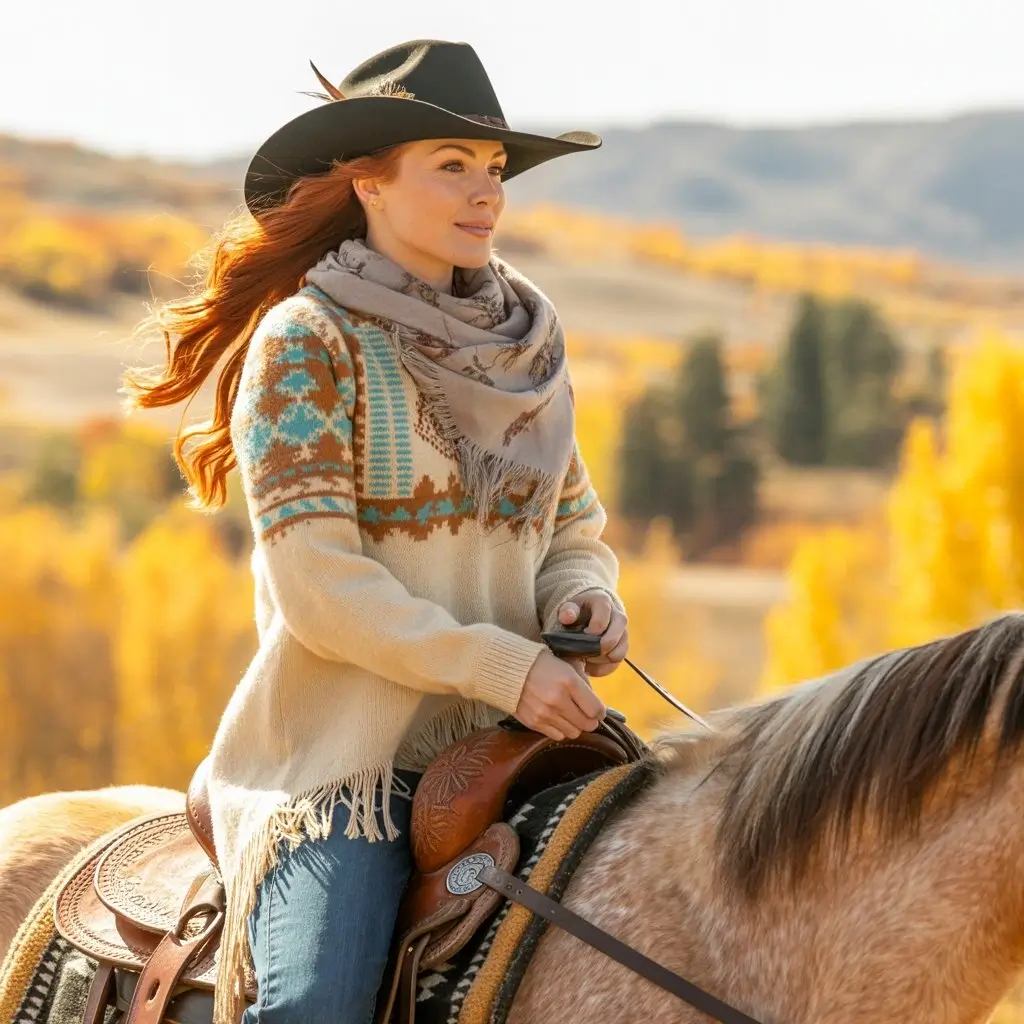 1:1▶
1:1▶Product concept
Prompt: luxury product on reflective black glass, slow orbit camera, glowing edge light, subtle particles, polished commercial style.
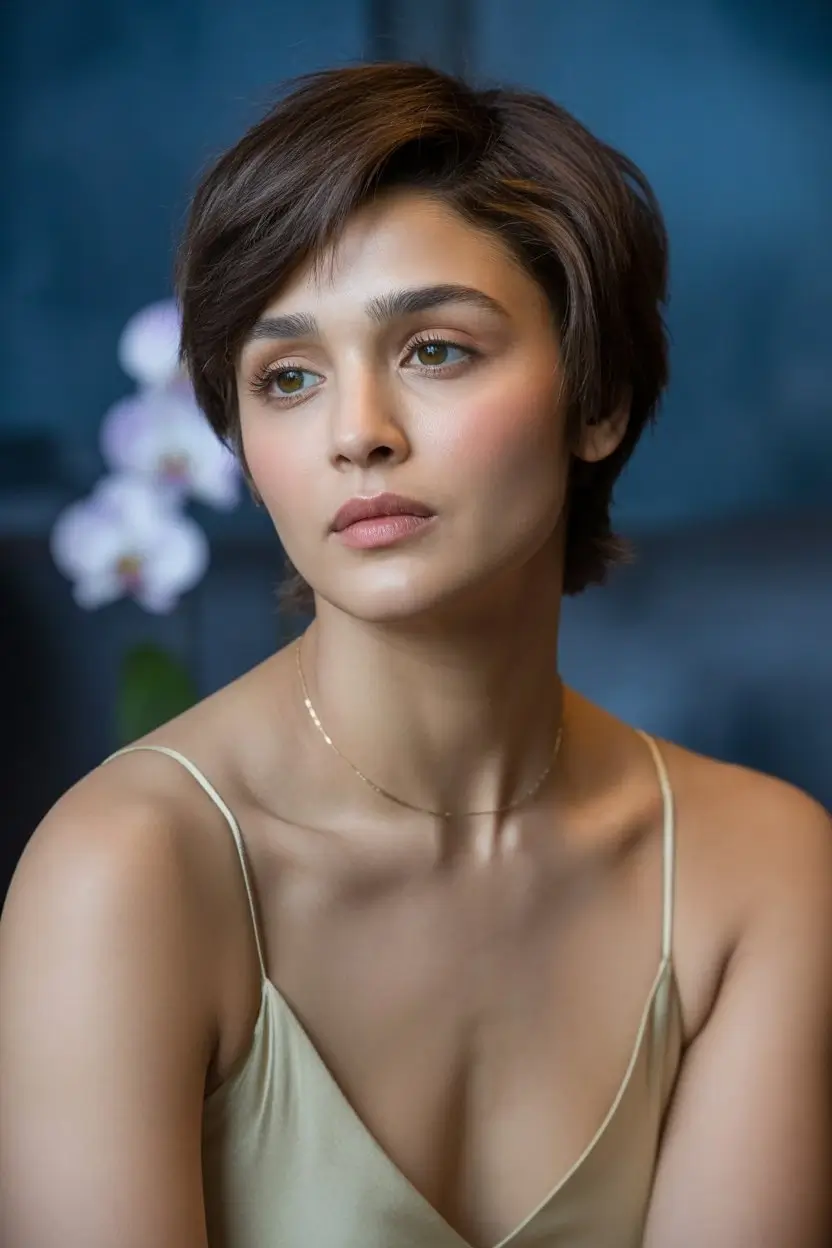 9:16▶
9:16▶Character motion
Prompt: mythical creature entering a misty forest clearing, soft volumetric light, slow dolly in, cinematic fantasy atmosphere.
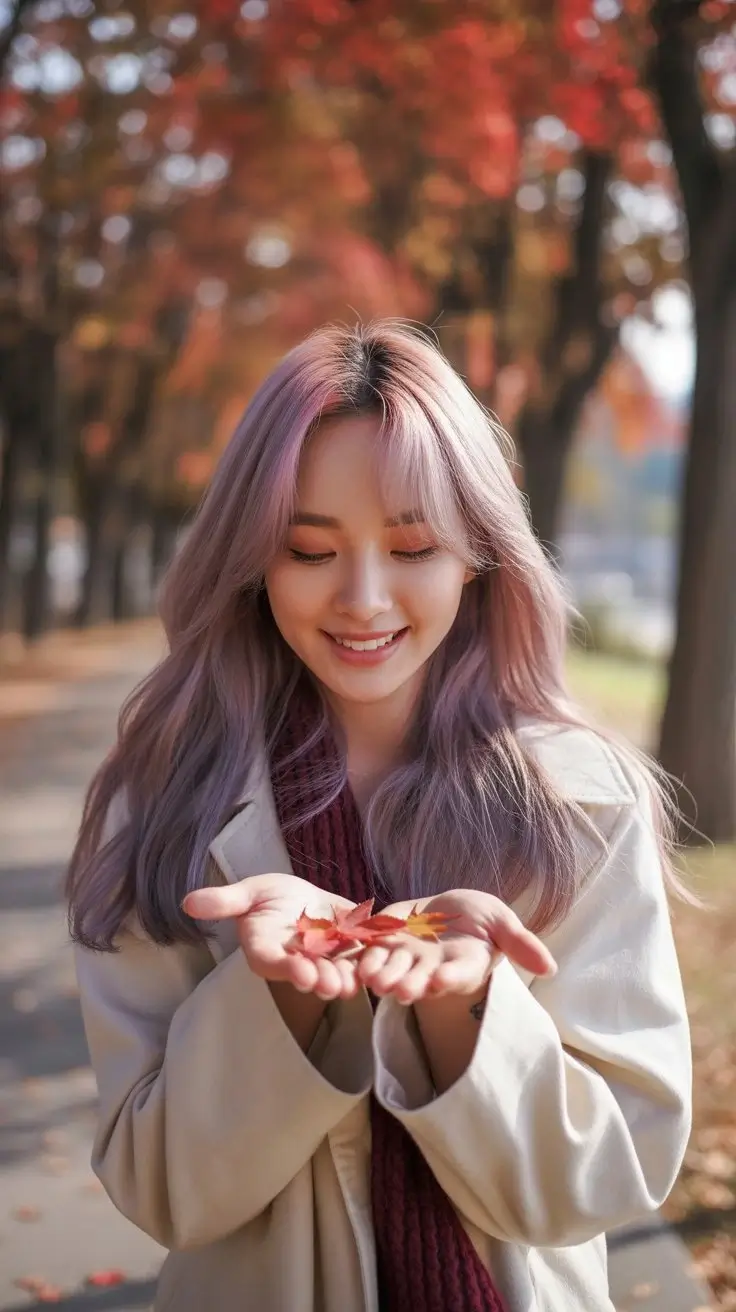 9:16▶
9:16▶Surreal visual
Prompt: traveler stepping from a subway platform into a glowing desert, seamless transition, warm dust, wide-angle cinematic motion.
 16:9▶
16:9▶Storyboard shot
Prompt: futuristic control room with holographic panels, camera gliding past monitors, blue and amber lighting, tense cinematic mood.
Model guide
Grok Imagine 1.5 is searched by creators who want fast, expressive video generation from plain language prompts. In this workspace, Grok Imagine focuses on short-form AI video creation with controllable style, duration, resolution, and vertical or horizontal output.
Prompt-to-video generation
Describe the shot, subject, motion, camera angle, lighting, and mood. Grok Imagine turns the prompt into an AI-generated video clip.
Creative style modes
Use normal, fun, or spicy style modes to steer how bold or playful the final video feels while keeping the workflow simple.
Social-ready formats
Create clips in common aspect ratios such as vertical 9:16, widescreen 16:9, square 1:1, and more for social and web placements.
Fast ideation workflow
Draft multiple concepts, compare motion, and refine prompts without leaving the same Grok Imagine video generator page.
Workflow
Start with a clear scene prompt, choose output settings, then review the result and iterate. Specific camera and motion details usually produce stronger clips.
01
Include subject, action, environment, camera movement, lighting, and style. Avoid asking for many scene changes in one prompt.
02
Pick aspect ratio, style mode, duration, and resolution based on where the video will be published.
03
Review motion, framing, and subject consistency. Reuse the strongest prompt and adjust one detail at a time.
Prompt recipes
Short AI video prompts work best when they describe one shot. Use these formulas to keep the model focused on motion, framing and style.
Formula 01
Start with the subject, describe exactly what changes, then add a camera move such as slow push-in, orbit, handheld follow, or overhead reveal.
Formula 02
Give the scene a physical place and a lighting plan. Reflections, fog, dust, rain, fabric, glass and particles help create visible motion cues.
Formula 03
Choose 9:16 for vertical hooks, 16:9 for cinematic shots, and 1:1 for product loops. Match the pacing to the platform and audience.
Use cases
Create quick visual hooks for TikTok, Reels, Shorts, X posts, and paid social tests.
Generate atmospheric product scenes, teaser visuals, and campaign concepts before production.
Turn shot ideas into short moving references for directors, designers, and marketers.
Explore surreal, cinematic, realistic, or playful video concepts with rapid iteration.
Why this workflow
The page combines a focused Grok Imagine default setup with examples, prompt recipes, format guidance and FAQ content, so visitors can move from search intent to generation faster.
Grok Imagine opens by default
The embedded AI video component is already narrowed to the Grok Imagine video model, reducing setup steps for people arriving from search.
Examples before the tool
Preview cards make the page feel concrete and give users immediate ideas for social shorts, product videos and cinematic scenes.
SEO content with real utility
The copy targets Grok Imagine 1.5 and grok imagine video 1.5 while also answering what to prompt, which settings to choose and how to iterate.
Built for iteration
Users can start with a sample prompt, generate a clip, then refine camera, lighting, duration and aspect ratio from one page.
Create now
Pick one example, rewrite the subject and camera movement, then generate a short AI video with Grok Imagine selected as the default model.
FAQ
This page is a Grok Imagine video generator experience optimized for people searching Grok Imagine 1.5 and grok imagine video 1.5. The embedded tool opens with Grok Imagine selected by default.
Yes. Enter a text prompt, choose Grok Imagine settings, and generate a short AI video from your description.
Yes. The Grok Imagine workflow includes common aspect ratios such as 9:16 for vertical video, 16:9 for widescreen, and 1:1 for square clips.
A good prompt describes one clear shot: the subject, action, setting, camera movement, lighting, and visual style. Specific prompts are usually easier to control.