
 16:9▶
16:9▶Cinematic scene
Neon city rain walk
Prompt: a lone character walking through a neon city at night, wet asphalt reflections, slow camera push, realistic rain, dramatic rim light.
Inspirations preview
Utilisez ces cartes originales comme points de depart pour Grok Imagine Video 1.5.
16:9▶Cinematic scene
Prompt: a lone character walking through a neon city at night, wet asphalt reflections, slow camera push, realistic rain, dramatic rim light.
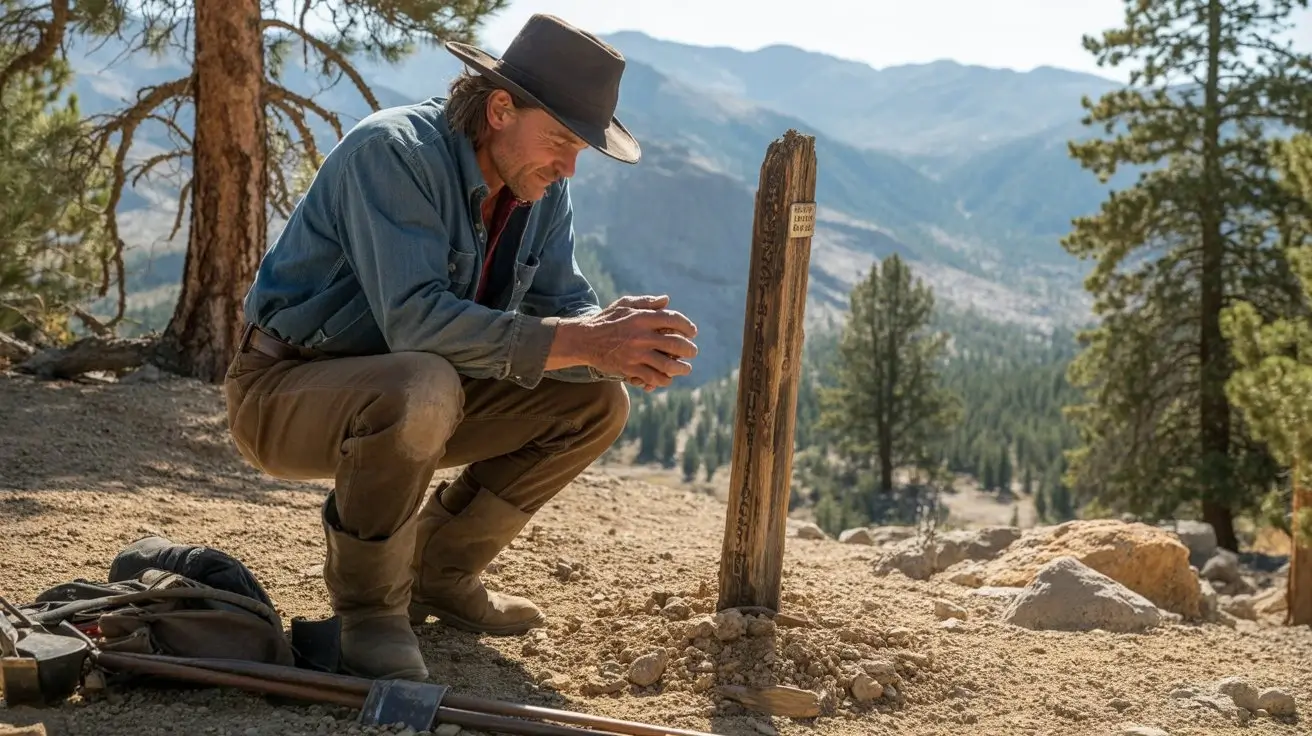
 9:16▶
9:16▶Social short
Prompt: a stylish model turning toward camera in a studio, soft spotlight, fabric motion, handheld fashion-film energy, shallow depth of field.
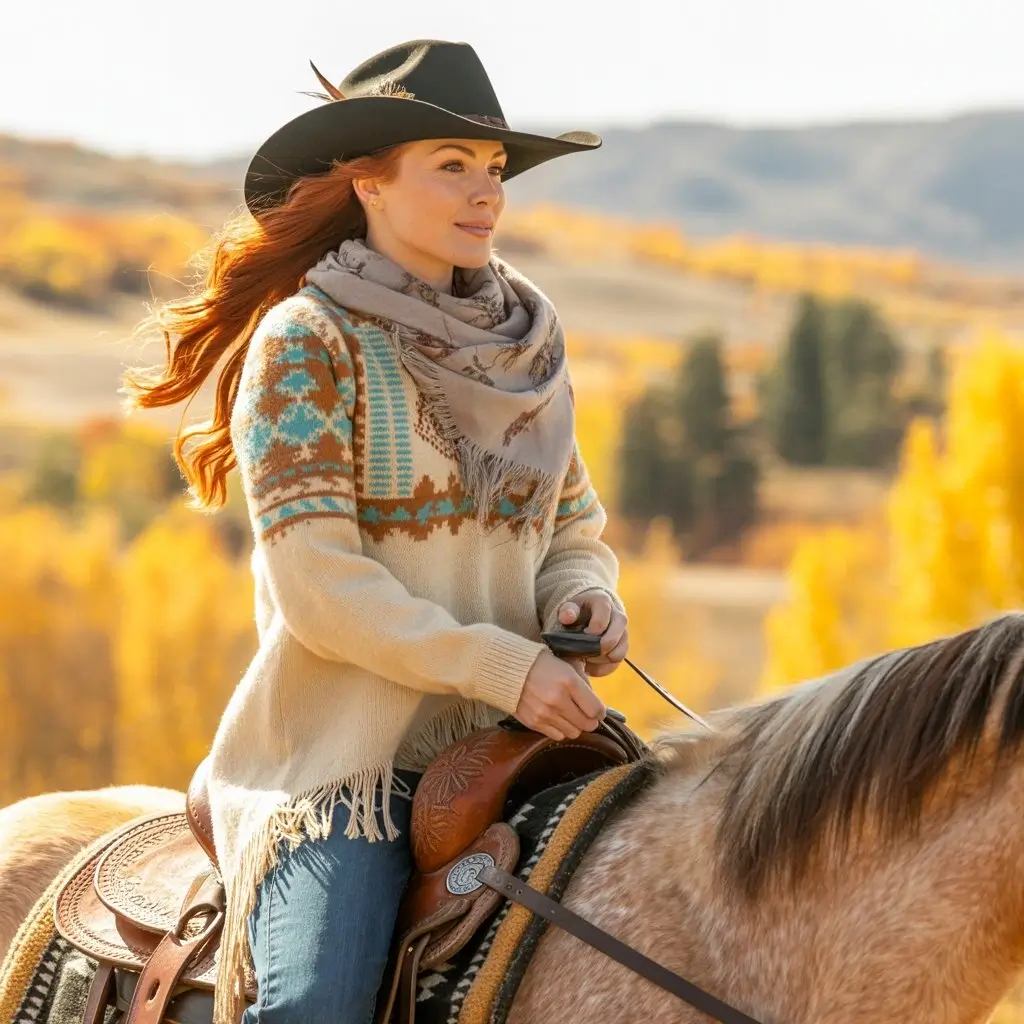 1:1▶
1:1▶Product concept
Prompt: luxury product on reflective black glass, slow orbit camera, glowing edge light, subtle particles, polished commercial style.
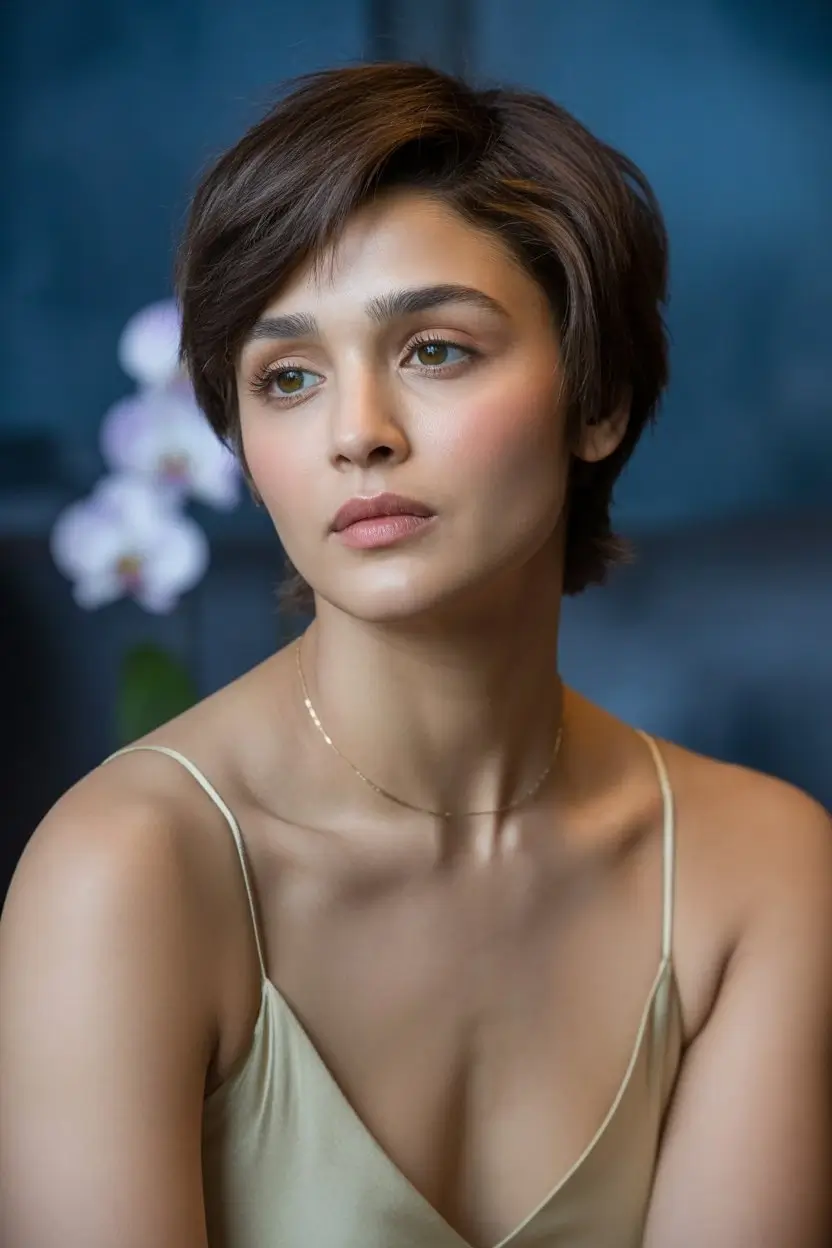 9:16▶
9:16▶Character motion
Prompt: mythical creature entering a misty forest clearing, soft volumetric light, slow dolly in, cinematic fantasy atmosphere.
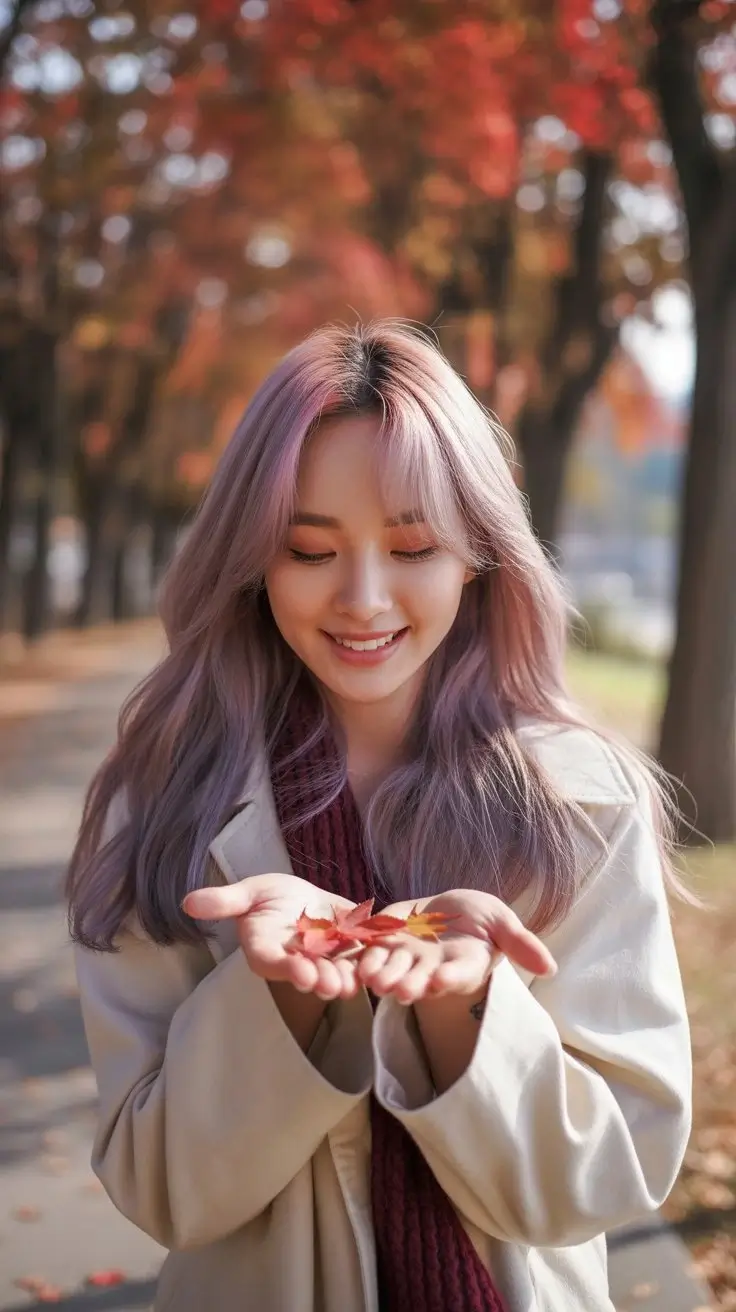 9:16▶
9:16▶Surreal visual
Prompt: traveler stepping from a subway platform into a glowing desert, seamless transition, warm dust, wide-angle cinematic motion.
 16:9▶
16:9▶Storyboard shot
Prompt: futuristic control room with holographic panels, camera gliding past monitors, blue and amber lighting, tense cinematic mood.
Guide modele
Grok Imagine 1.5 interesse les createurs qui veulent transformer rapidement un texte en video expressive. Ce workspace propose de courtes videos IA avec controle du style, de la duree, de la resolution et du format.
Generation prompt-to-video
Decrivez le plan, le sujet, le mouvement, la camera, la lumiere et l'ambiance pour creer un clip IA.
Modes creatifs
Les modes normal, fun et spicy orientent le rendu vers un style plus sobre, ludique ou audacieux.
Formats sociaux
Creez en 9:16, 16:9, 1:1 et autres formats courants pour le web et les reseaux sociaux.
Ideation rapide
Testez plusieurs concepts et affinez vos prompts sans quitter la page.
Workflow
Commencez par une scene claire, choisissez les reglages, puis verifiez le resultat et iterez.
01
Ajoutez sujet, action, decor, mouvement camera, lumiere et style. Evitez trop de changements de scene.
02
Reglez format, style, duree et resolution selon la plateforme de diffusion.
03
Controlez mouvement, cadrage et coherence du sujet, puis modifiez un detail a la fois.
Recettes prompt
Les prompts courts fonctionnent mieux quand ils decrivent un seul plan.
Formula 01
Start with the subject, describe exactly what changes, then add a camera move such as slow push-in, orbit, handheld follow, or overhead reveal.
Formula 02
Give the scene a physical place and a lighting plan. Reflections, fog, dust, rain, fabric, glass and particles help create visible motion cues.
Formula 03
Choose 9:16 for vertical hooks, 16:9 for cinematic shots, and 1:1 for product loops. Match the pacing to the platform and audience.
Usages
Creez des accroches visuelles pour TikTok, Reels, Shorts, X et tests publicitaires.
Produisez des ambiances produit, teasers et concepts de campagne avant production.
Transformez des idees de plans en references animees pour l'equipe.
Explorez des concepts surrealistes, cinematographiques, realistes ou ludiques.
Pourquoi ce workflow
Elle combine modele par defaut, exemples, formules de prompt, formats et FAQ.
Grok Imagine opens by default
The embedded AI video component is already narrowed to the Grok Imagine video model, reducing setup steps for people arriving from search.
Examples before the tool
Preview cards make the page feel concrete and give users immediate ideas for social shorts, product videos and cinematic scenes.
SEO content with real utility
The copy targets Grok Imagine 1.5 and grok imagine video 1.5 while also answering what to prompt, which settings to choose and how to iterate.
Built for iteration
Users can start with a sample prompt, generate a clip, then refine camera, lighting, duration and aspect ratio from one page.
Creer maintenant
Choisissez un exemple, changez le sujet et la camera, puis generez.
FAQ
Cette page propose une experience Grok Imagine pour les recherches Grok Imagine 1.5 et grok imagine video 1.5. L'outil integre s'ouvre avec Grok Imagine.
Oui. Entrez un prompt, choisissez les reglages Grok Imagine et generez une courte video IA.
Oui. Le workflow inclut notamment 9:16, 16:9 et 1:1.
Un bon prompt decrit un plan clair : sujet, action, decor, camera, lumiere et style visuel.