
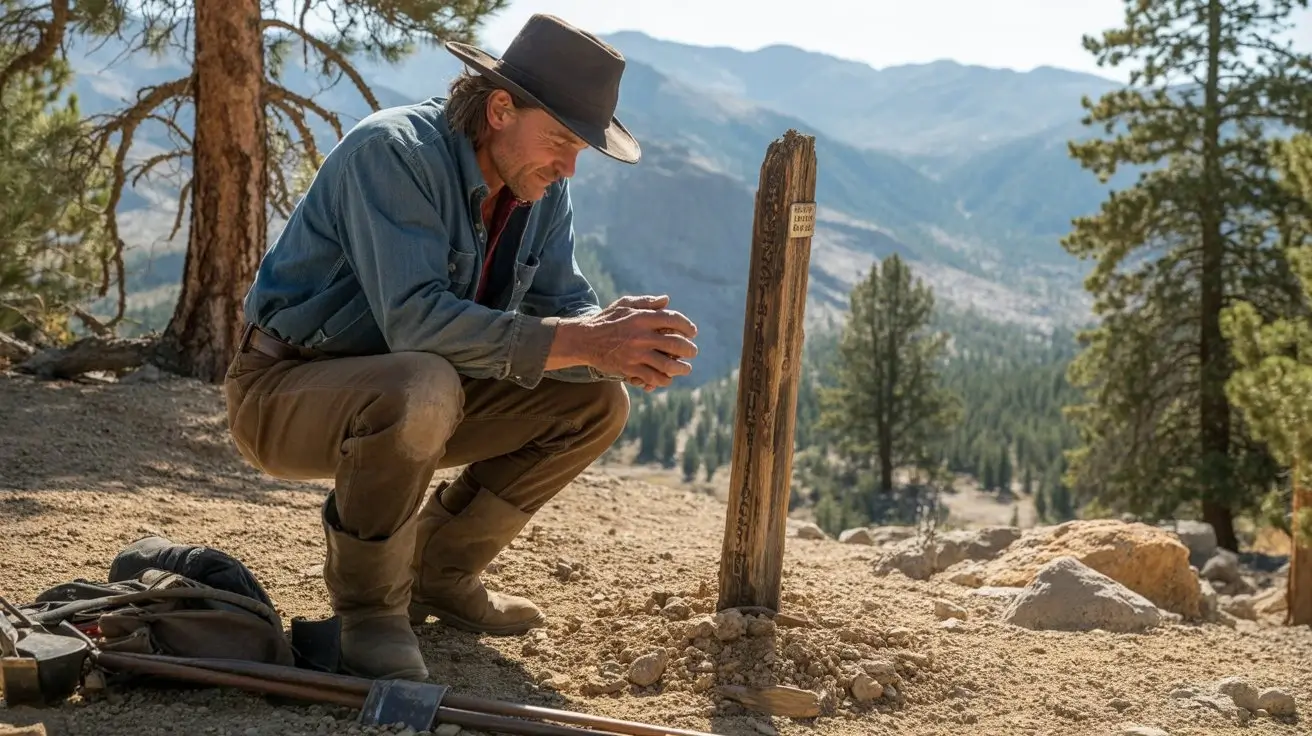
 16:9▶
16:9▶Cinematic scene
Neon city rain walk
Prompt: a lone character walking through a neon city at night, wet asphalt reflections, slow camera push, realistic rain, dramatic rim light.
미리보기 영감
이 오리지널 카드들을 Grok Imagine Video 1.5 프롬프트 시작점으로 사용하세요.
16:9▶Cinematic scene
Prompt: a lone character walking through a neon city at night, wet asphalt reflections, slow camera push, realistic rain, dramatic rim light.
 9:16▶
9:16▶Social short
Prompt: a stylish model turning toward camera in a studio, soft spotlight, fabric motion, handheld fashion-film energy, shallow depth of field.
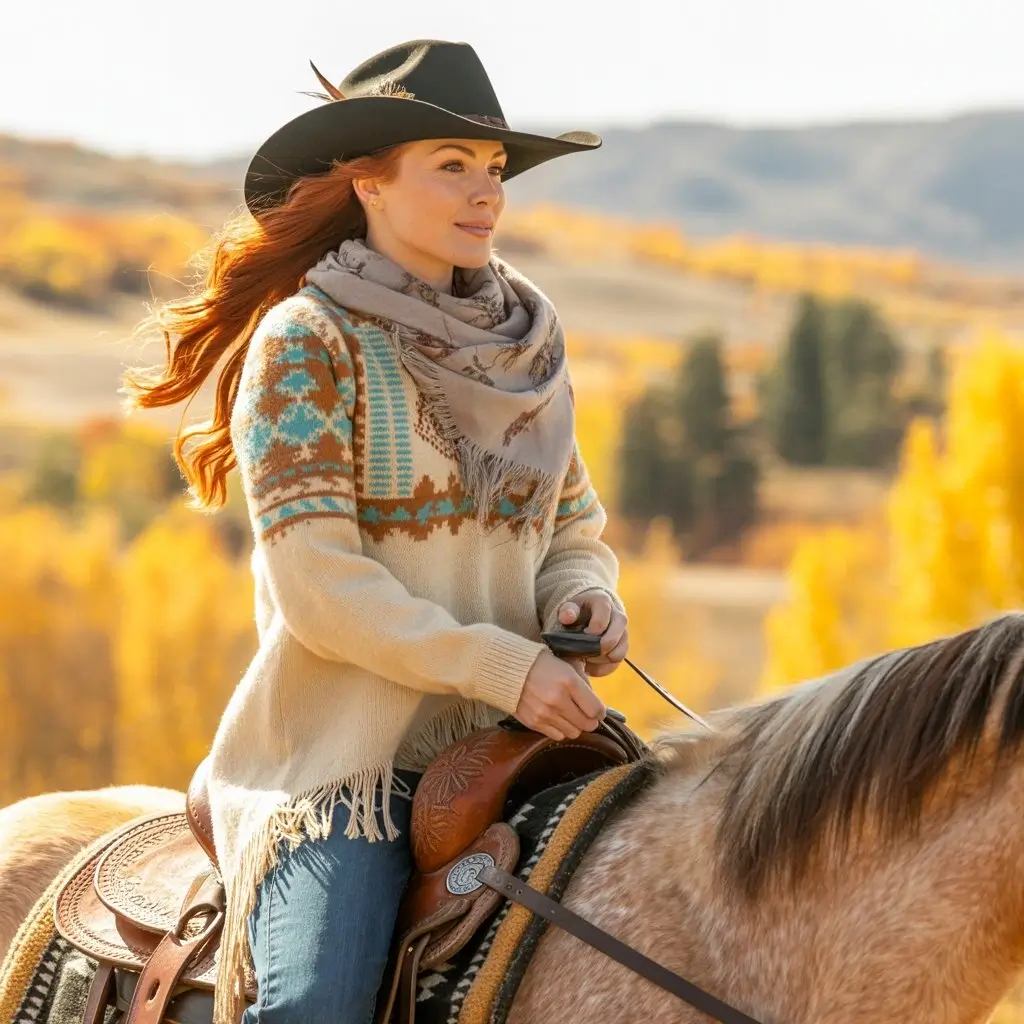 1:1▶
1:1▶Product concept
Prompt: luxury product on reflective black glass, slow orbit camera, glowing edge light, subtle particles, polished commercial style.
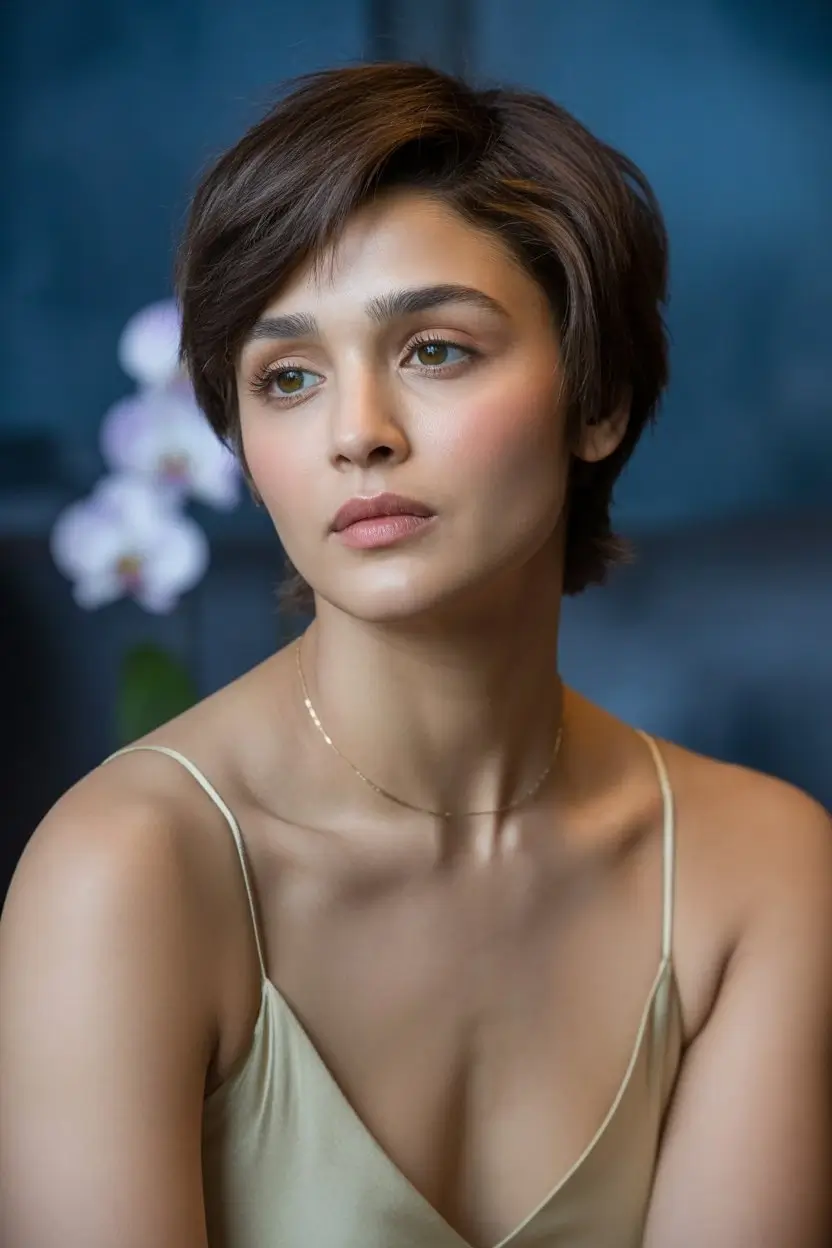 9:16▶
9:16▶Character motion
Prompt: mythical creature entering a misty forest clearing, soft volumetric light, slow dolly in, cinematic fantasy atmosphere.
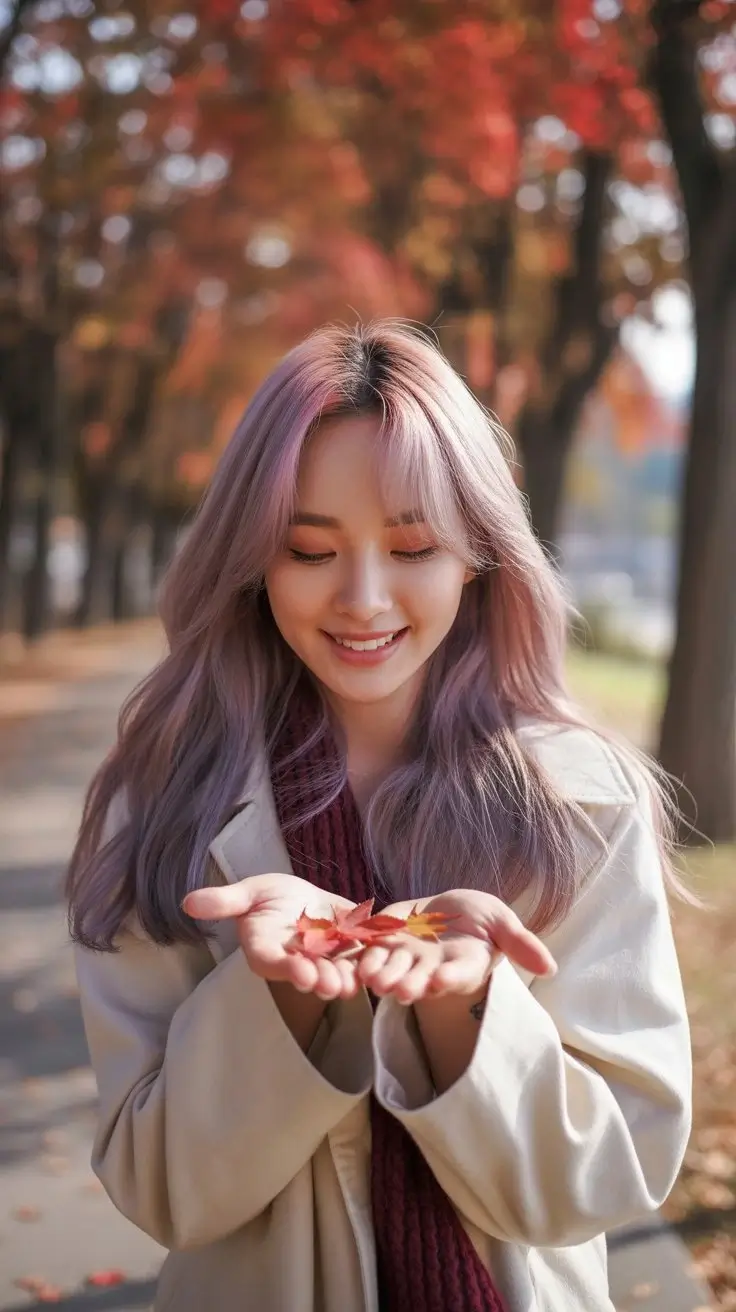 9:16▶
9:16▶Surreal visual
Prompt: traveler stepping from a subway platform into a glowing desert, seamless transition, warm dust, wide-angle cinematic motion.
 16:9▶
16:9▶Storyboard shot
Prompt: futuristic control room with holographic panels, camera gliding past monitors, blue and amber lighting, tense cinematic mood.
모델 가이드
Grok Imagine 1.5는 텍스트로 빠르게 표현력 있는 비디오를 만들고 싶은 크리에이터가 찾는 키워드입니다. 이 워크스페이스는 스타일, 길이, 해상도, 화면비를 제어하는 짧은 AI 비디오 제작에 초점을 둡니다.
프롬프트 기반 비디오
샷, 피사체, 움직임, 카메라, 조명, 분위기를 설명해 AI 비디오 클립을 만듭니다.
창의적 스타일 모드
normal, fun, spicy 모드로 결과의 분위기와 과감함을 조절합니다.
소셜용 포맷
9:16, 16:9, 1:1 등 주요 플랫폼에 맞는 화면비를 사용할 수 있습니다.
빠른 아이디어 테스트
한 페이지에서 여러 콘셉트를 만들고 모션과 프롬프트를 비교합니다.
워크플로
명확한 장면을 쓰고 출력 설정을 선택한 뒤 결과를 검토하며 개선합니다.
01
피사체, 행동, 장소, 카메라 움직임, 조명, 스타일을 포함하세요.
02
게시 플랫폼에 맞춰 화면비, 스타일 모드, 길이, 해상도를 선택합니다.
03
모션, 프레이밍, 피사체 일관성을 확인하고 한 번에 한 요소씩 수정합니다.
프롬프트 공식
짧은 AI 비디오는 하나의 샷을 명확히 설명할 때 안정적입니다.
Formula 01
Start with the subject, describe exactly what changes, then add a camera move such as slow push-in, orbit, handheld follow, or overhead reveal.
Formula 02
Give the scene a physical place and a lighting plan. Reflections, fog, dust, rain, fabric, glass and particles help create visible motion cues.
Formula 03
Choose 9:16 for vertical hooks, 16:9 for cinematic shots, and 1:1 for product loops. Match the pacing to the platform and audience.
활용 사례
TikTok, Reels, Shorts, X, 광고 테스트용 짧은 영상 후크를 만듭니다.
제작 전 제품 분위기, 티저, 캠페인 콘셉트를 생성합니다.
샷 아이디어를 팀이 볼 수 있는 움직이는 레퍼런스로 바꿉니다.
초현실, 영화적, 사실적, 장난스러운 비디오 콘셉트를 빠르게 탐색합니다.
워크플로 이유
기본 모델, 예시, 프롬프트 공식, 포맷 가이드, FAQ를 함께 제공합니다.
Grok Imagine opens by default
The embedded AI video component is already narrowed to the Grok Imagine video model, reducing setup steps for people arriving from search.
Examples before the tool
Preview cards make the page feel concrete and give users immediate ideas for social shorts, product videos and cinematic scenes.
SEO content with real utility
The copy targets Grok Imagine 1.5 and grok imagine video 1.5 while also answering what to prompt, which settings to choose and how to iterate.
Built for iteration
Users can start with a sample prompt, generate a clip, then refine camera, lighting, duration and aspect ratio from one page.
지금 만들기
예시를 고르고 피사체와 카메라를 바꾼 뒤 생성하세요.
FAQ
이 페이지는 Grok Imagine 1.5와 grok imagine video 1.5 검색 사용자를 위한 Grok Imagine 비디오 생성 경험입니다. 내장 도구는 Grok Imagine으로 열립니다.
네. 텍스트 프롬프트를 입력하고 설정을 선택하면 짧은 AI 비디오를 생성할 수 있습니다.
네. 9:16, 16:9, 1:1 등 일반적인 화면비를 지원합니다.
피사체, 행동, 배경, 카메라, 조명, 스타일이 포함된 하나의 명확한 샷을 설명하세요.