
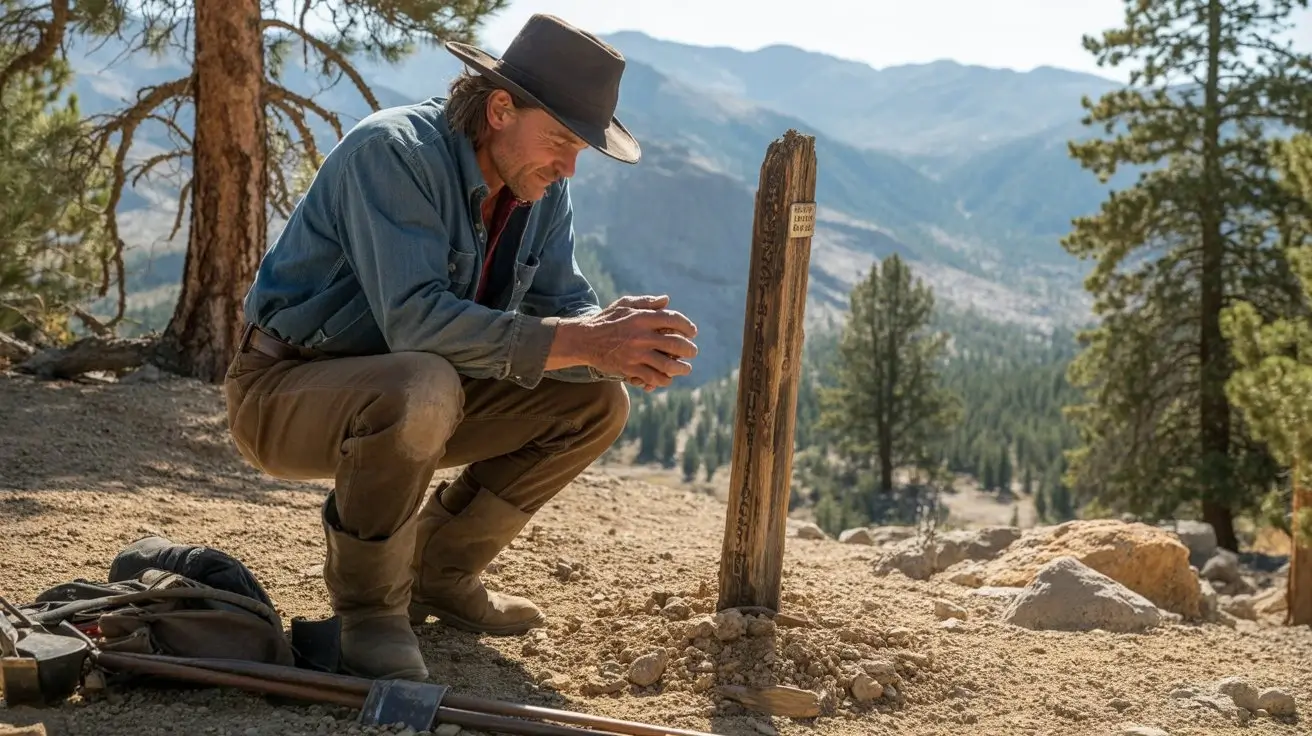
 16:9▶
16:9▶Cinematic scene
Neon city rain walk
Prompt: a lone character walking through a neon city at night, wet asphalt reflections, slow camera push, realistic rain, dramatic rim light.
Preview Inspirationen
Nutzen Sie diese originalen Konzeptkarten als Startpunkte fur Grok Imagine Video 1.5 Prompts.
16:9▶Cinematic scene
Prompt: a lone character walking through a neon city at night, wet asphalt reflections, slow camera push, realistic rain, dramatic rim light.
 9:16▶
9:16▶Social short
Prompt: a stylish model turning toward camera in a studio, soft spotlight, fabric motion, handheld fashion-film energy, shallow depth of field.
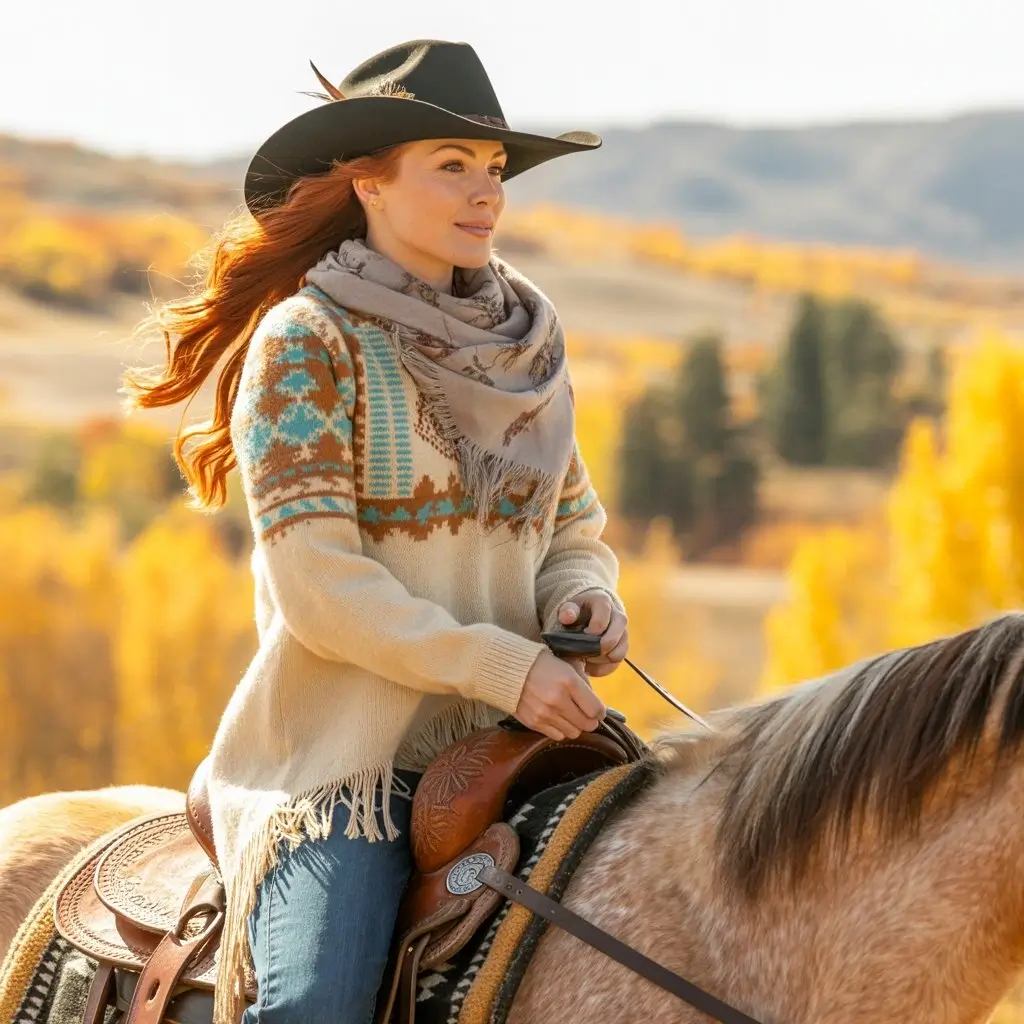 1:1▶
1:1▶Product concept
Prompt: luxury product on reflective black glass, slow orbit camera, glowing edge light, subtle particles, polished commercial style.
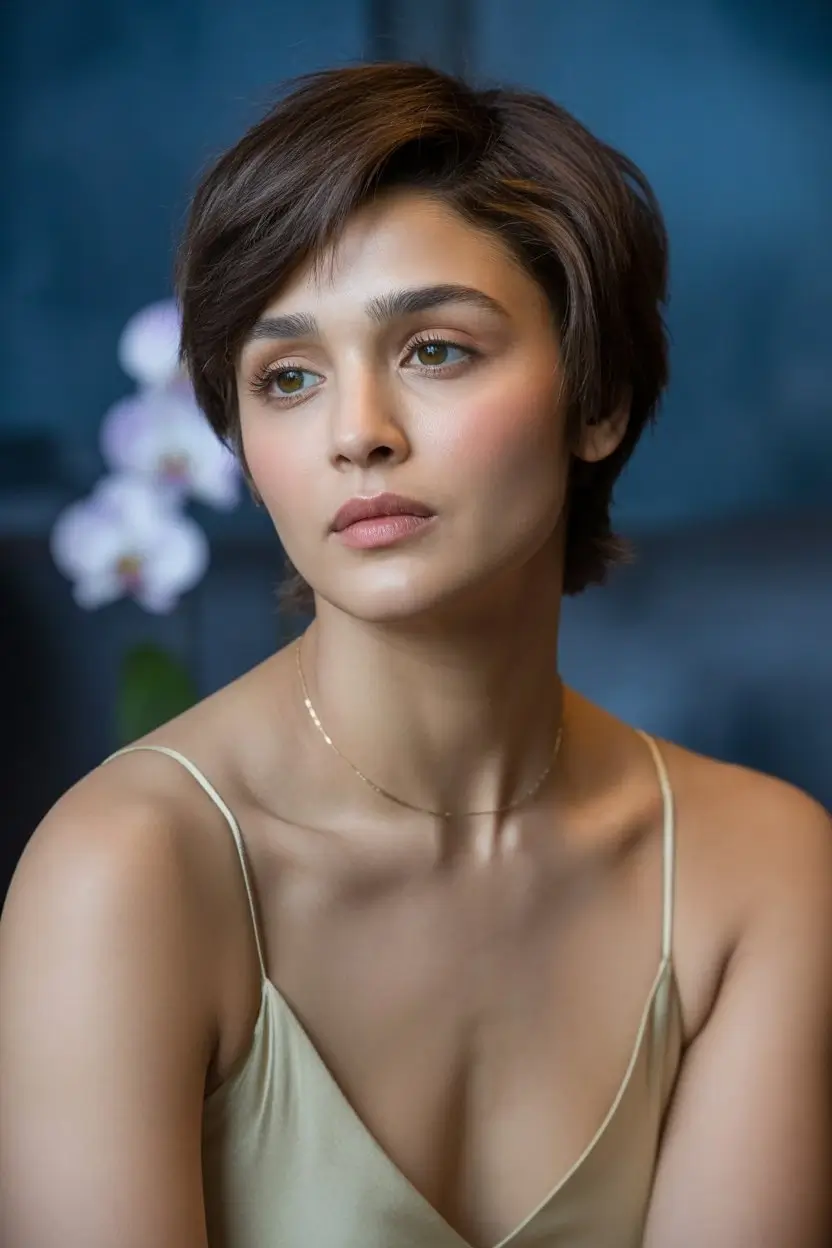 9:16▶
9:16▶Character motion
Prompt: mythical creature entering a misty forest clearing, soft volumetric light, slow dolly in, cinematic fantasy atmosphere.
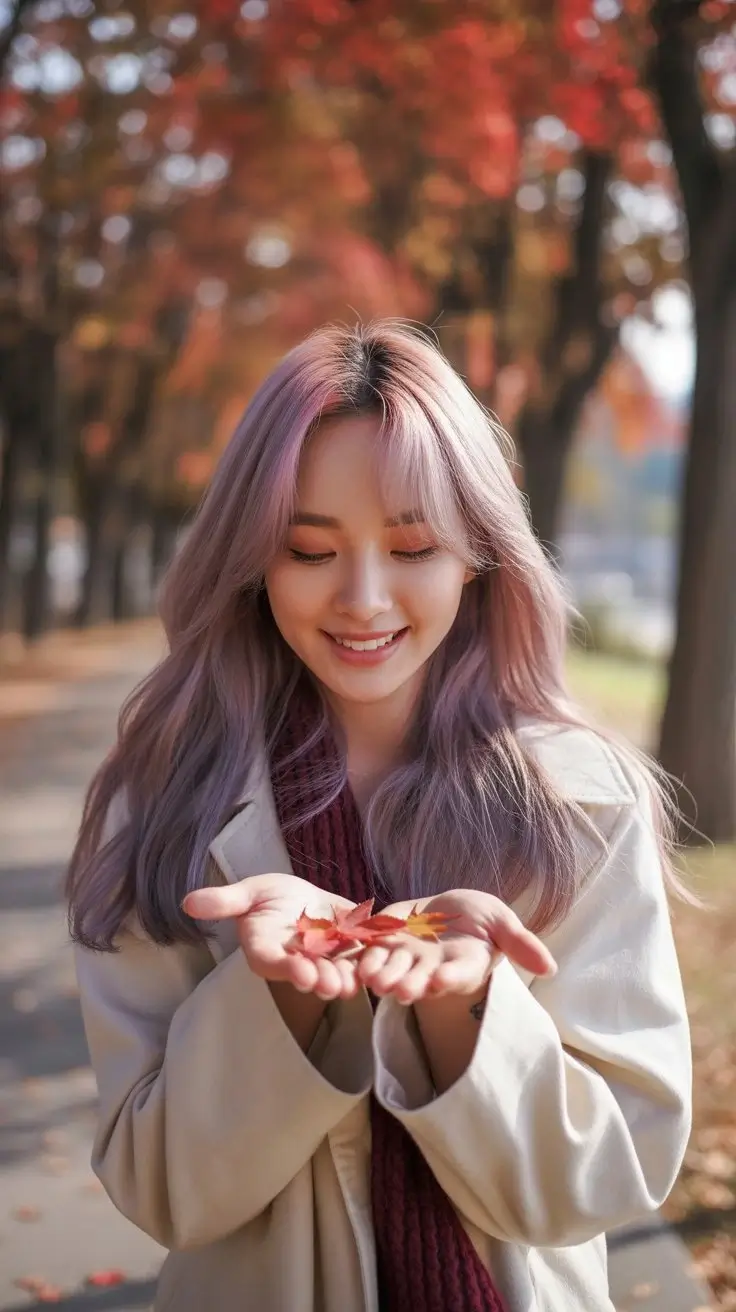 9:16▶
9:16▶Surreal visual
Prompt: traveler stepping from a subway platform into a glowing desert, seamless transition, warm dust, wide-angle cinematic motion.
 16:9▶
16:9▶Storyboard shot
Prompt: futuristic control room with holographic panels, camera gliding past monitors, blue and amber lighting, tense cinematic mood.
Modellguide
Grok Imagine 1.5 wird von Creators gesucht, die schnell aus Text ausdrucksstarke Videos erzeugen möchten. Dieser Workspace bietet kurze KI-Videos mit Kontrolle über Stil, Dauer, Auflösung und Format.
Prompt-to-Video
Beschreiben Sie Shot, Motiv, Bewegung, Kamera, Licht und Stimmung, um einen KI-Videoclip zu erzeugen.
Kreative Stilmodi
Normal, fun und spicy steuern, wie verspielt oder mutig das Video wirkt.
Formate für Social Media
Nutzen Sie 9:16, 16:9, 1:1 und weitere gängige Seitenverhältnisse.
Schneller Ideenprozess
Entwerfen, vergleichen und verfeinern Sie Konzepte auf derselben Generatorseite.
Workflow
Beginnen Sie mit einer klaren Szene, wählen Sie Ausgabeparameter und iterieren Sie anhand des Ergebnisses.
01
Nennen Sie Motiv, Aktion, Umgebung, Kamerabewegung, Licht und Stil. Vermeiden Sie zu viele Szenenwechsel.
02
Wählen Sie Seitenverhältnis, Stilmodus, Dauer und Auflösung passend zur Plattform.
03
Prüfen Sie Bewegung, Bildaufbau und Motivstabilität. Ändern Sie jeweils nur ein Detail.
Prompt Formeln
Kurze AI-Videos funktionieren am besten mit einem klaren Shot.
Formula 01
Start with the subject, describe exactly what changes, then add a camera move such as slow push-in, orbit, handheld follow, or overhead reveal.
Formula 02
Give the scene a physical place and a lighting plan. Reflections, fog, dust, rain, fabric, glass and particles help create visible motion cues.
Formula 03
Choose 9:16 for vertical hooks, 16:9 for cinematic shots, and 1:1 for product loops. Match the pacing to the platform and audience.
Anwendungsfälle
Kurze visuelle Hooks für TikTok, Reels, Shorts, X und Ad-Tests.
Atmosphärische Produktszenen, Teaser und Kampagnenideen vor der Produktion.
Verwandeln Sie Shot-Ideen in bewegte Referenzen für Teams.
Testen Sie surreale, filmische, realistische oder spielerische Videokonzepte.
Warum dieser Workflow
Sie kombiniert Grok Imagine als Standard mit Beispielen, Prompt-Formeln, Format-Tipps und FAQ.
Grok Imagine opens by default
The embedded AI video component is already narrowed to the Grok Imagine video model, reducing setup steps for people arriving from search.
Examples before the tool
Preview cards make the page feel concrete and give users immediate ideas for social shorts, product videos and cinematic scenes.
SEO content with real utility
The copy targets Grok Imagine 1.5 and grok imagine video 1.5 while also answering what to prompt, which settings to choose and how to iterate.
Built for iteration
Users can start with a sample prompt, generate a clip, then refine camera, lighting, duration and aspect ratio from one page.
Jetzt erstellen
Wahlen Sie ein Beispiel, passen Sie Motiv und Kamera an und generieren Sie ein kurzes Video.
FAQ
Diese Seite bietet eine Grok Imagine Video-Erfahrung für Suchanfragen wie Grok Imagine 1.5 und grok imagine video 1.5. Das Tool startet mit Grok Imagine.
Ja. Geben Sie einen Textprompt ein, wählen Sie Einstellungen und generieren Sie ein kurzes KI-Video.
Ja. Der Workflow umfasst 9:16, 16:9 und 1:1.
Beschreiben Sie einen klaren Shot mit Motiv, Aktion, Umgebung, Kamera, Licht und Stil.