
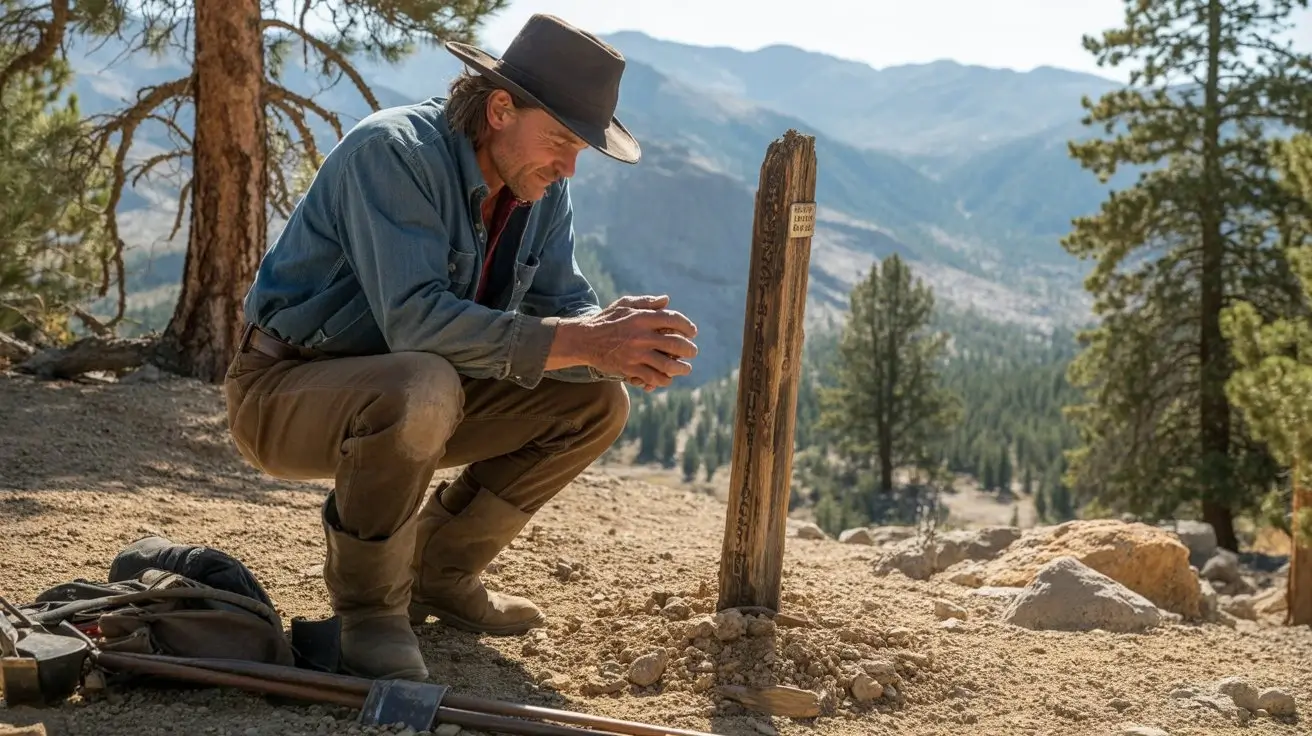
 16:9▶
16:9▶Cinematic scene
Neon city rain walk
Prompt: a lone character walking through a neon city at night, wet asphalt reflections, slow camera push, realistic rain, dramatic rim light.
プレビュー例
これらのオリジナルカードをGrok Imagine Video 1.5プロンプトの出発点にできます。
16:9▶Cinematic scene
Prompt: a lone character walking through a neon city at night, wet asphalt reflections, slow camera push, realistic rain, dramatic rim light.
 9:16▶
9:16▶Social short
Prompt: a stylish model turning toward camera in a studio, soft spotlight, fabric motion, handheld fashion-film energy, shallow depth of field.
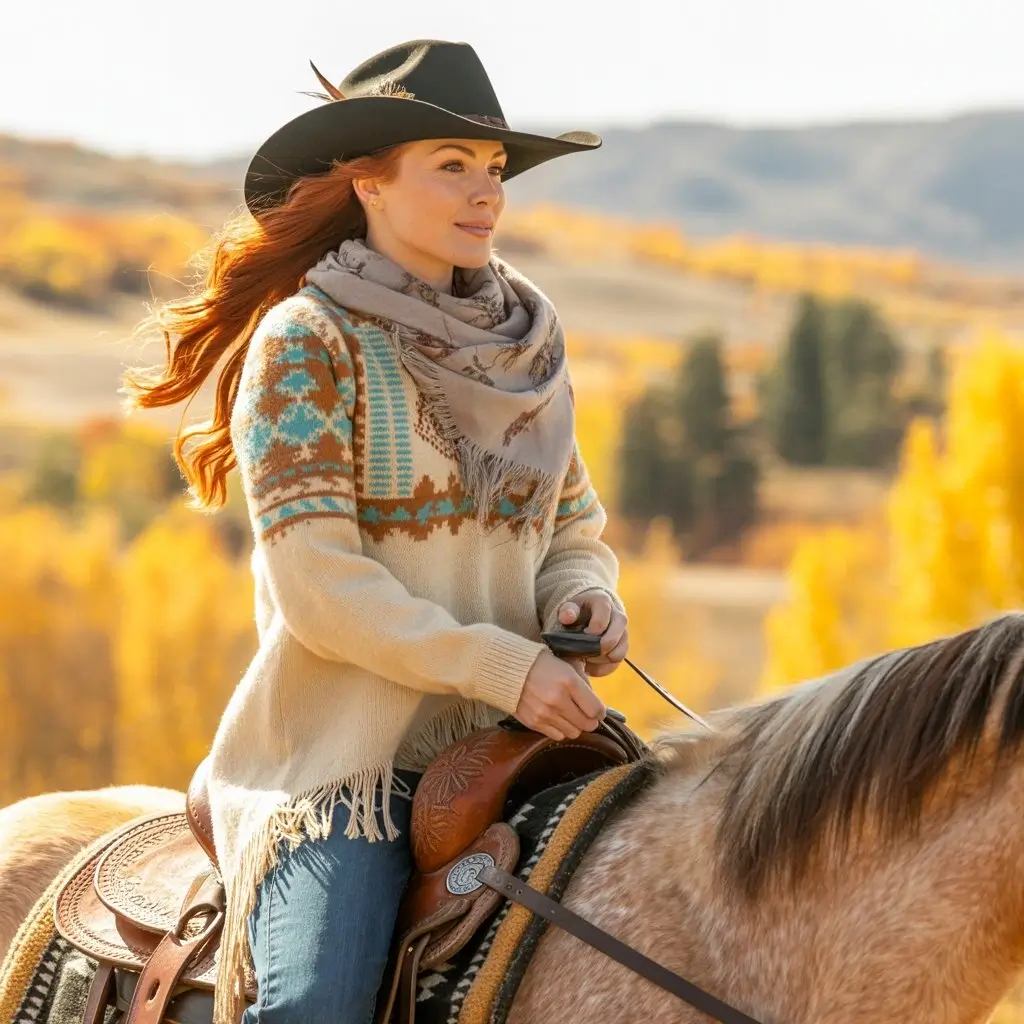 1:1▶
1:1▶Product concept
Prompt: luxury product on reflective black glass, slow orbit camera, glowing edge light, subtle particles, polished commercial style.
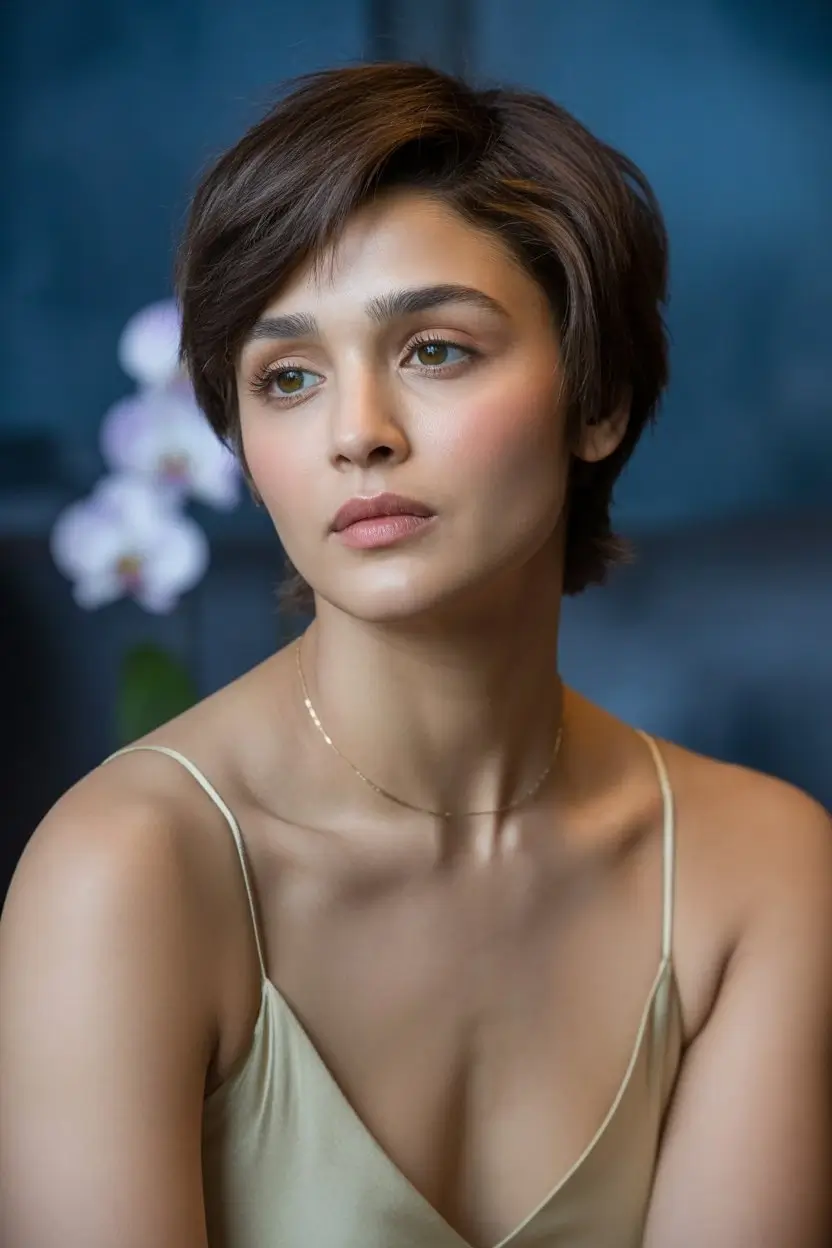 9:16▶
9:16▶Character motion
Prompt: mythical creature entering a misty forest clearing, soft volumetric light, slow dolly in, cinematic fantasy atmosphere.
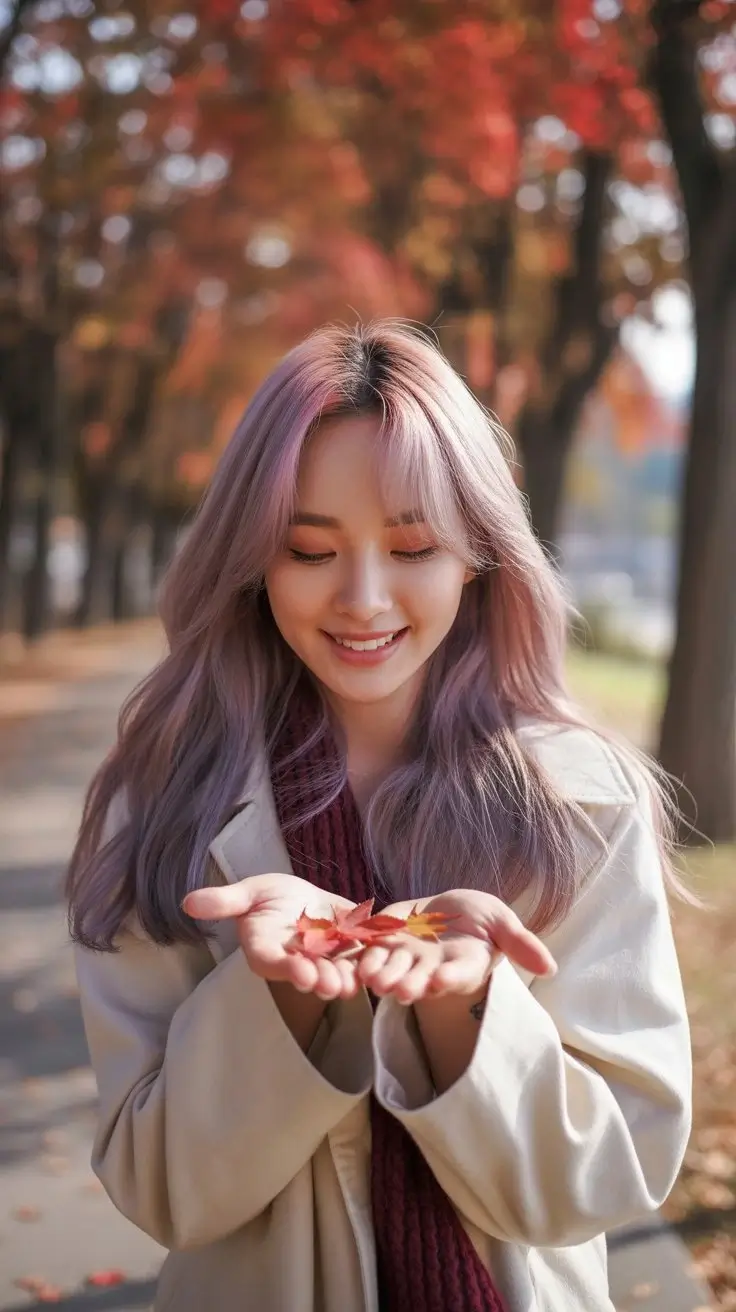 9:16▶
9:16▶Surreal visual
Prompt: traveler stepping from a subway platform into a glowing desert, seamless transition, warm dust, wide-angle cinematic motion.
 16:9▶
16:9▶Storyboard shot
Prompt: futuristic control room with holographic panels, camera gliding past monitors, blue and amber lighting, tense cinematic mood.
モデルガイド
Grok Imagine 1.5は、自然言語から表現力のある動画を素早く作りたいクリエイターに検索されています。このワークスペースでは、スタイル、長さ、解像度、縦横比を調整して短いAI動画を作れます。
プロンプトから動画生成
ショット、被写体、動き、カメラ、照明、雰囲気を指定してAI動画クリップを作成します。
クリエイティブなスタイル
normal、fun、spicyで、落ち着いた表現から大胆な表現まで調整できます。
SNS向けフォーマット
9:16、16:9、1:1など、主要な投稿形式に対応します。
高速な試作
同じページで複数案を作成し、動きやプロンプトを比較できます。
ワークフロー
明確なシーンを書き、出力設定を選び、結果を確認して調整します。
01
被写体、動作、場所、カメラ、照明、スタイルを含めます。複数の場面転換は避けます。
02
公開先に合わせて比率、スタイル、長さ、解像度を選択します。
03
動き、構図、被写体の安定性を確認し、一度に一つの要素だけ変えます。
プロンプト式
短いAI動画は一つのショットを明確に書くと安定します。
Formula 01
Start with the subject, describe exactly what changes, then add a camera move such as slow push-in, orbit, handheld follow, or overhead reveal.
Formula 02
Give the scene a physical place and a lighting plan. Reflections, fog, dust, rain, fabric, glass and particles help create visible motion cues.
Formula 03
Choose 9:16 for vertical hooks, 16:9 for cinematic shots, and 1:1 for product loops. Match the pacing to the platform and audience.
用途
TikTok、Reels、Shorts、X、広告テスト向けの短い映像フックを作成します。
本制作前に商品シーン、ティザー、キャンペーン案を試せます。
ショットのアイデアを動くリファレンスに変換します。
シュール、映画的、リアル、遊び心のある動画案を素早く試せます。
この流れの理由
標準モデル、例、プロンプト式、形式ガイド、FAQをまとめています。
Grok Imagine opens by default
The embedded AI video component is already narrowed to the Grok Imagine video model, reducing setup steps for people arriving from search.
Examples before the tool
Preview cards make the page feel concrete and give users immediate ideas for social shorts, product videos and cinematic scenes.
SEO content with real utility
The copy targets Grok Imagine 1.5 and grok imagine video 1.5 while also answering what to prompt, which settings to choose and how to iterate.
Built for iteration
Users can start with a sample prompt, generate a clip, then refine camera, lighting, duration and aspect ratio from one page.
今すぐ作成
例を選び、被写体とカメラを変えて短いAI動画を生成します。
FAQ
このページはGrok Imagine 1.5やgrok imagine video 1.5を探すユーザー向けのGrok Imagine動画生成体験です。ツールはGrok Imagineを標準で開きます。
はい。テキストプロンプトを入力し、設定を選ぶと短いAI動画を生成できます。
はい。9:16、16:9、1:1などの一般的な比率に対応します。
被写体、動作、場所、カメラ、照明、スタイルを含む一つの明確なショットを記述します。