LogoNano AI
Sign In

Nano Banana 2.1 AI Image Generator

Turn a text prompt into a finished image, or upload reference photos and describe the edit. Nano Banana 2.1 supports up to 14 references, 1K–4K output and 14 aspect ratios — all inside the tool below.

Loading the Nano Banana 2.1 generator…

The image workspace opens here. You can read the guide and examples below while it loads.

What is Nano Banana 2.1?

Nano Banana 2.1 is an AI image model on Nano AI that creates new images from text prompts and edits existing ones using reference photos. It accepts up to 14 reference images, renders at 1K, 2K or 4K, and saves as JPG or PNG. A 1K image costs 4 credits.

Input
Text prompt + optional reference images
Output
1K / 2K / 4K · JPG / PNG
Starting cost
4 credits per 1K image

Prompt ideas

What you can make with Nano Banana 2.1

Five output directions this model handles well. Each card explains what the approach is good for and includes a short starter idea you can send straight to the tool.

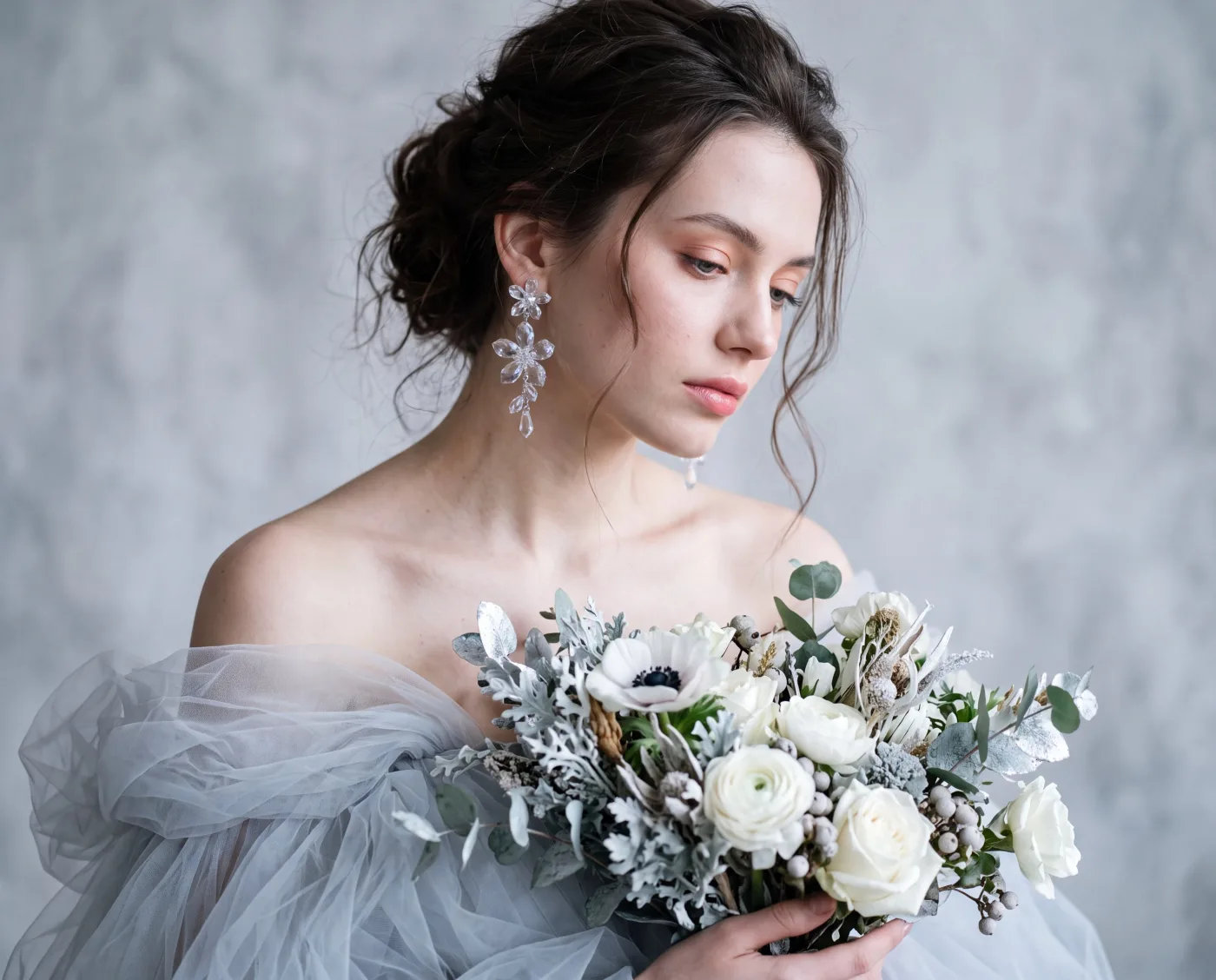
A winter fashion portrait of a woman in a flowing tulle dress surrounded by falling snow.

01

Fashion and portrait photography

A winter portrait in a flowing tulle dress. Use this direction for lookbooks and editorial shots where fabric detail, soft light and a muted backdrop carry the mood.

Starter idea

A winter fashion portrait of a woman in a flowing tulle dress with falling snow, soft diffused light and a muted blue-grey background.
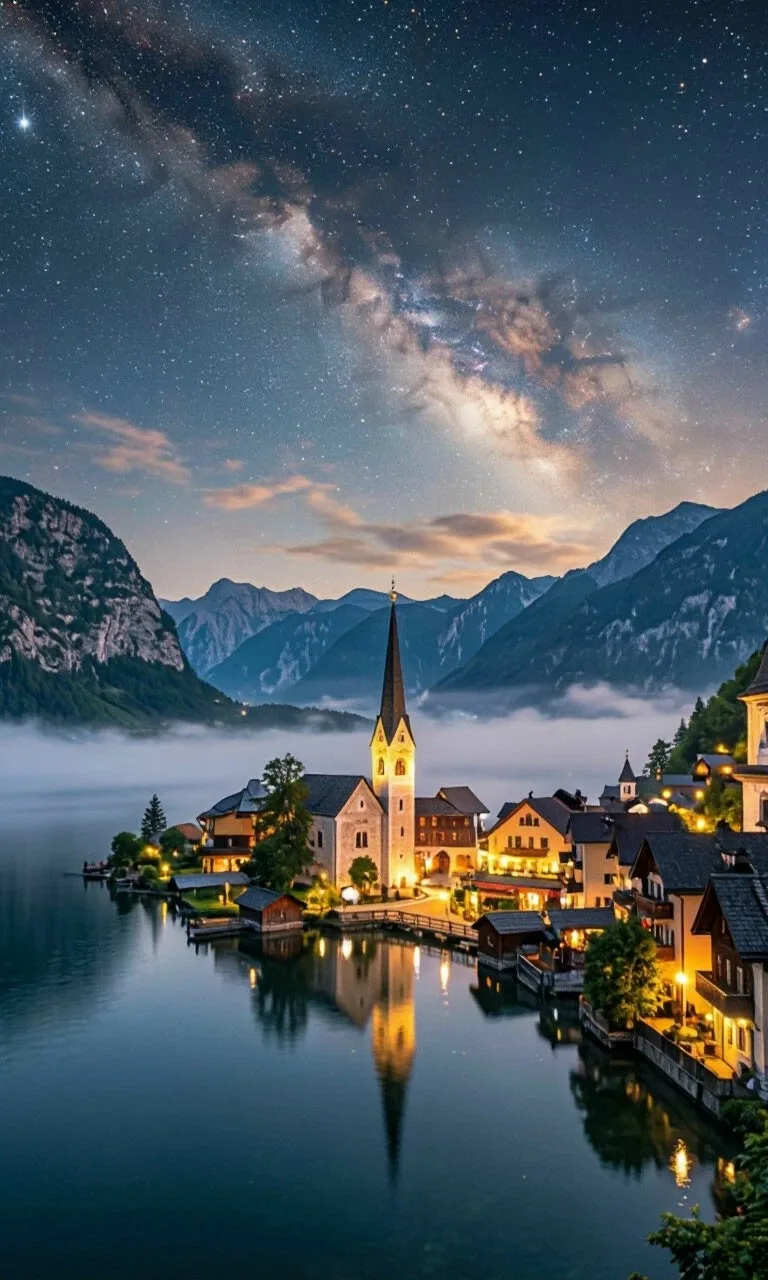
A mountain village glowing at night beneath a starry sky.

02

Travel and poster scenes

A mountain village glowing at night in a tall frame. Vertical ratios suit posters, stories and covers where the scene should pull the eye upward.

Starter idea

A travel-poster scene of a mountain village at night, warm window lights under a starry sky, vertical composition.

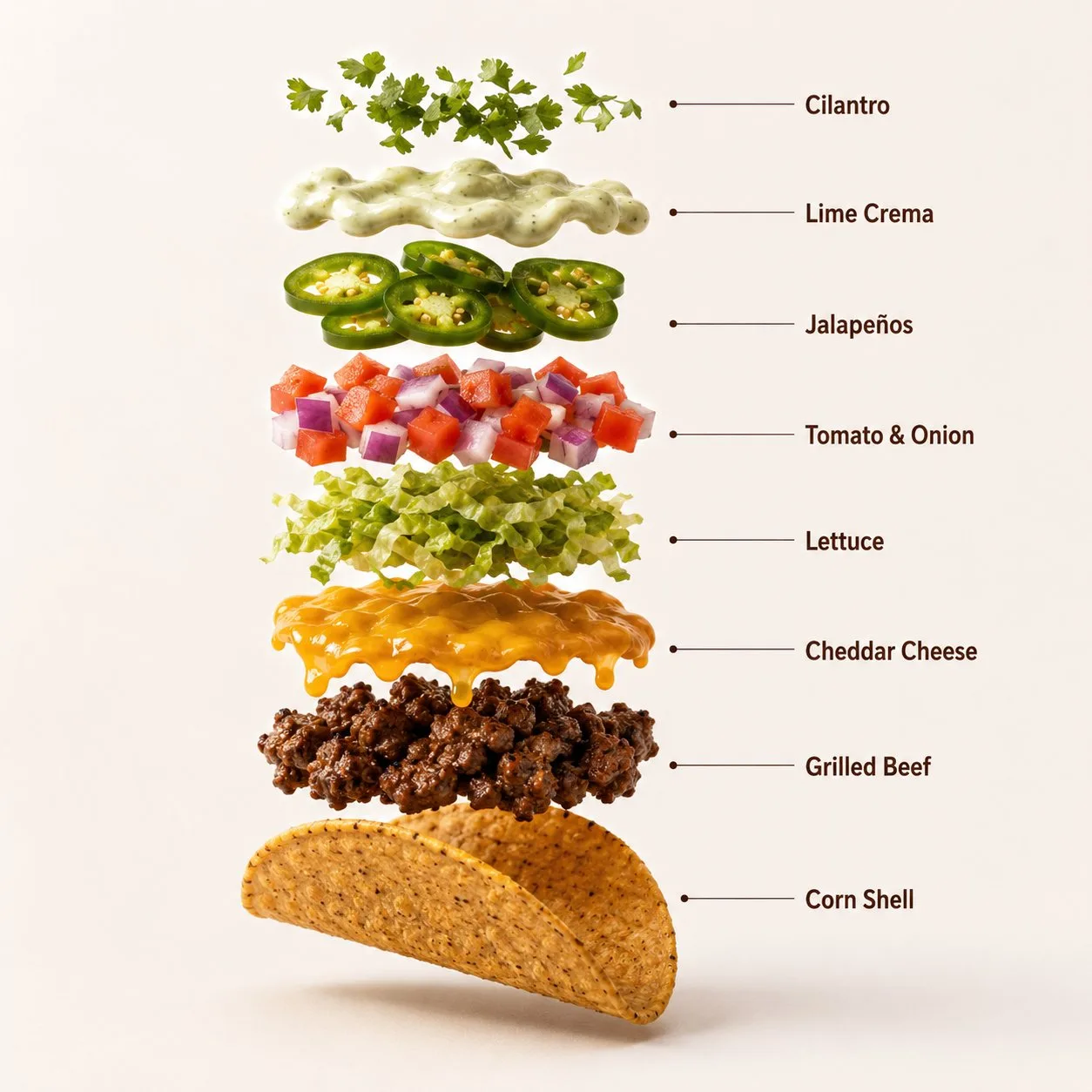
An exploded taco diagram with labeled ingredients floating in order.

03

Labeled food advertising

An exploded ingredient diagram with legible labels. Nano Banana 2.1 renders short in-image text, which helps menu graphics, ads and explainers — proofread the lettering before publishing.

Starter idea

An exploded-view infographic of a loaded beef taco with each ingredient labeled, clean studio lighting.

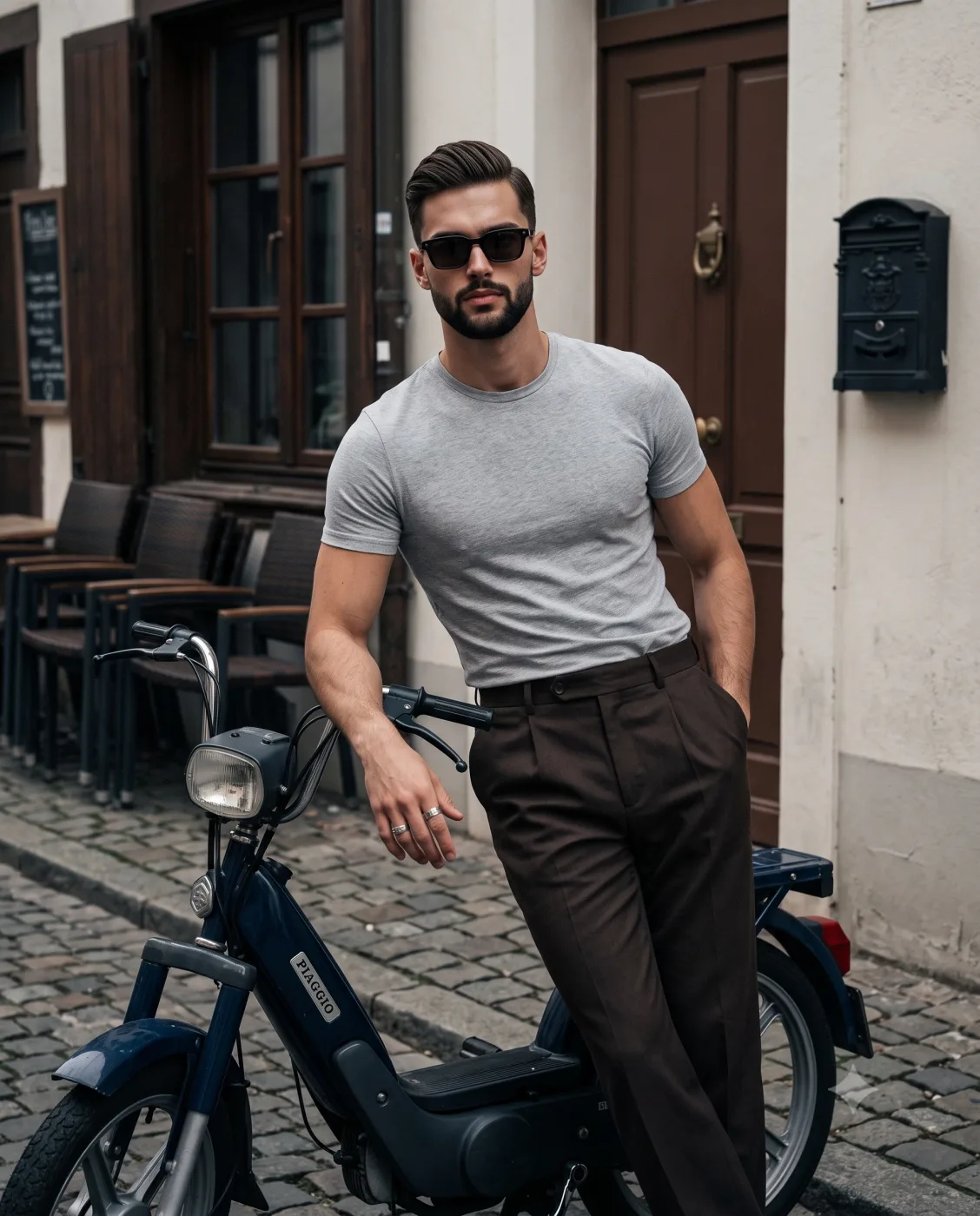
A rider standing beside a vintage moped in soft editorial light.

04

Editorial and lifestyle imagery

A vintage moped portrait with magazine styling. Give the model an era, a prop and a light direction to steer a lifestyle shoot without a studio.

Starter idea

A vintage editorial portrait of a rider standing beside a classic moped, soft daylight, retro magazine color grading.

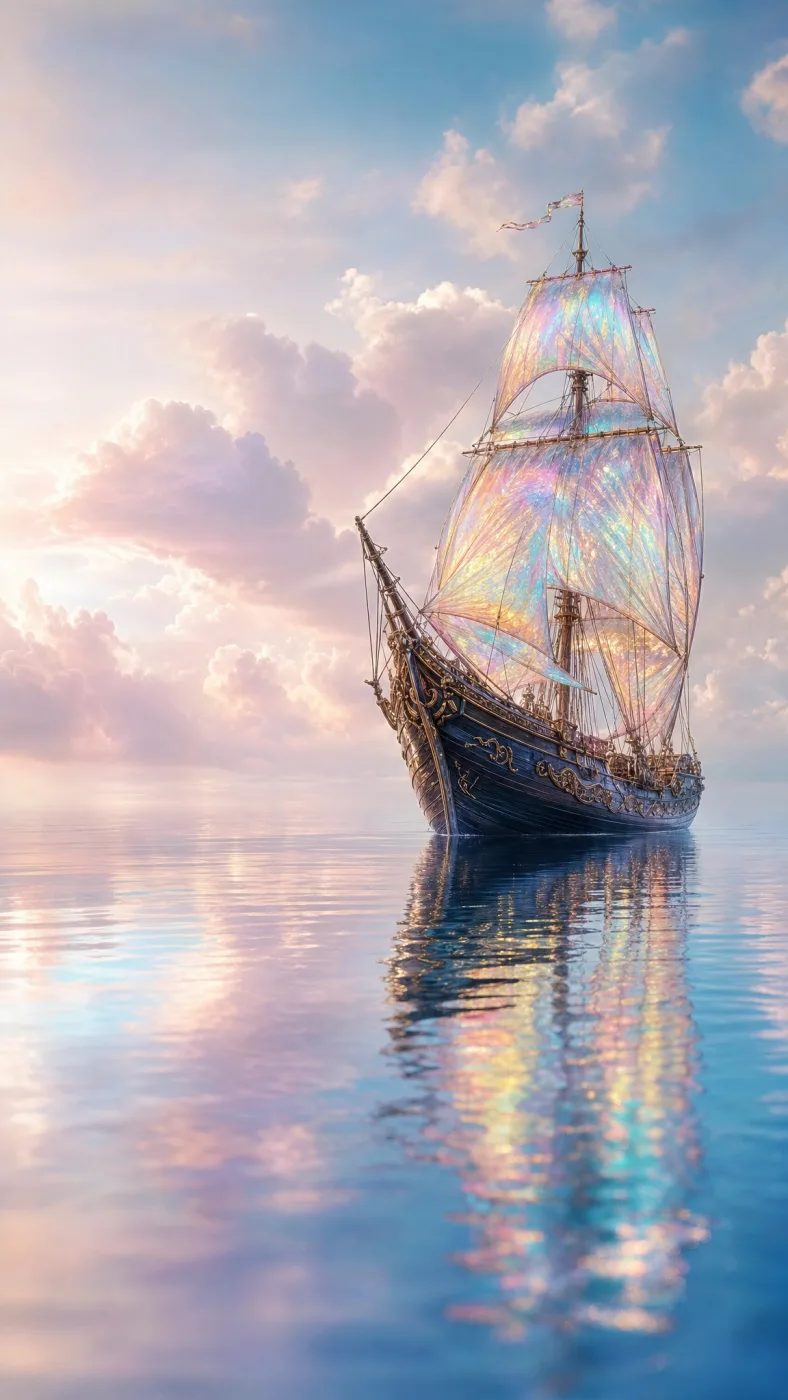
An iridescent sailing ship floating through clouds at dusk.

05

Fantasy and concept art

An iridescent sailing ship drifting through clouds. Unusual materials and impossible scenes are where a text-to-image model earns its keep — describe the material, not just the object.

Starter idea

A fantasy sailing ship with iridescent glass sails drifting through clouds at dusk, cinematic concept art.

How to use Nano Banana 2.1

  1. Write the prompt

    State the subject, setting, lighting and style. For an edit, say what should change and which details must stay the same.

  2. Attach reference photos

    Add up to 14 images when the result depends on a product, a face or a scene. In the prompt, explain the job of each image — for example, which one sets the style.

  3. Pick ratio, resolution and format

    Choose from 14 aspect ratios, then 1K for drafts, 2K for layouts or 4K for large placements. JPG keeps files small; PNG preserves sharp edges. The tool shows the credit cost before you confirm.

  4. Generate, review, download

    Sign in when prompted and run the task. Check faces, hands and any in-image text at full size, then download the file or refine the prompt and iterate.

Where Nano Banana 2.1 fits

Pick the workflow that matches the asset you need, then start from a close example above.

E-commerce product visuals

Build seasonal scenes or clean studio setups around a product reference. Describe the surface, light and background while naming the packaging details that must survive.

Before publishing, compare labels and proportions against your source photo.

Portraits and character boards

Explore a subject across outfits, lighting and locations. Attach a reference when likeness matters, and keep track of which version preserved the features best.

Review eyes, hands and fabric texture at full size before assembling a set.

Ads, posters and thumbnails

Frame the subject around the space your headline needs. For labeled graphics and signs, keep the wording short and verify every word — treat in-image lettering as a draft.

For multilingual campaigns, generate without lettering and add translated copy in an editor.

Concept art and mood boards

Turn a written brief into an environment, vehicle or prop study. Specify viewpoint, materials and object count so stakeholders can compare directions quickly.

Keep a shared prompt template so teammates can reproduce a style they like.

Key capabilities of Nano Banana 2.1

Four things this model handles well — and how to get the most from each.

Prompt-driven scene building

Describe subjects, layout, lighting and materials in plain language. Precise nouns and object counts beat vague style words when you review the result.

Reference-guided editing

Upload up to 14 photos and assign each a role — subject, background, palette or style. The model follows the references while applying your written change.

Flexible output settings

Pick from 14 aspect ratios and three resolutions up to 4K, then export JPG or PNG. With references attached, an automatic option can follow the reference framing.

Transparent credit cost

The tool quotes the price before generation: 4 credits at 1K, 6 at 2K and 9 at 4K, unchanged by the number of references you attach.

Nano Banana 2.1 specifications

Settings available in the Nano AI workspace.
ParameterSupported value
ModelNano Banana 2.1
InputText prompt + optional reference images
Reference imagesUp to 14
Fixed aspect ratios1:1 · 2:3 · 3:2 · 1:4 · 4:1 · 3:4 · 4:3 · 4:5 · 5:4 · 1:8 · 8:1 · 9:16 · 16:9 · 21:9
Resolution options1K / 2K / 4K
Output formatsJPG / PNG
Automatic aspect ratioAvailable when reference images are attached; follows the reference framing.

Nano Banana 2.1 vs Nano Banana 2 Pro

Both models are available on Nano AI. This table compares only the settings you can verify in the workspace — reference limits and output options. Image quality and speed depend on the task, so test both with the same prompt.

Workspace configuration comparison for the two models.
SettingNano Banana 2.1Nano Banana 2 Pro
Reference imagesUp to 14Up to 5
Resolution options1K / 2K / 4K1K / 2K / 4K
Output formatsJPG / PNGJPG / PNG
Try Nano Banana 2 Pro on the Nano AI 2 pageSee the full Nano Banana 2.1 vs Pro comparison

Nano Banana 2.1 pricing and credits

Cost scales with resolution only. Text-to-image and reference-guided edits share the same rate, no matter how many references you attach.

Credit cost for one generated image.
ResolutionCredits per imageWhen to choose it
1K4 creditsQuick drafts and everyday web images
2K6 creditsLayouts and closer detail review
4K9 creditsLarge placements and detailed source assets

Every output consumes credits per image. Plan prices and your current balance are listed on the pricing page and in your account.

View pricing plans

Nano Banana 2.1 FAQ

Is Nano Banana 2.1 free to use?

Generation consumes credits. If your account holds trial or reward credits and has access to this model, you can spend those first. Check your balance on the pricing page or in the dashboard before starting a task.

Do I need an account to use it?

You can open the tool, type a prompt and choose settings without signing in. An account is only required when you click Generate — that is also when the credit cost is confirmed.

How many reference images can I upload?

Up to 14 per task. Attach the product, person or scene the result should follow, and describe each image's role in the prompt. References guide the output but do not guarantee exact reproduction.

How much does each image cost?

4 credits at 1K, 6 credits at 2K and 9 credits at 4K. The rate is identical for text-to-image and reference-guided edits, regardless of reference count.

Can I use generated images commercially?

Review the platform and model terms for your intended use. You need rights to any photos, brands or likenesses you upload, and you should check generated content for third-party rights before publishing or selling it.

Which formats and aspect ratios are supported?

Exports are JPG or PNG across 14 fixed ratios including 1:1, 3:2, 4:5, 9:16, 16:9 and 21:9. When reference images are attached, an automatic option follows the reference framing.

Nano Banana 2.1

Start creating with Nano Banana 2.1

Type a prompt or attach a reference photo, pick your settings, and generate your first image.

Open the full workspace